Brand assets
The app icon, the mark, ready-made graphics, and screenshots of the iPhone and Apple Watch app. All of it is free to use in articles, videos and reviews. Nothing to sign up for, nothing to ask permission for.
If you need a screen that is not here, a shot in another language, or something built for a specific piece, write to hello@incredible-app.com. We answer the same day.
The ready-made graphics, the silver iPhone set, the Ultra 3 watch set, and the icon.
The icon and the mark
The icon as the App Store shows it, and the mark on its own. The zip holds every size and both the black and white versions.

App icon
The icon as the App Store shows it. 1024 square, PNG.
100 KB
The mark
The mark on the black square. SVG, and PNG at 512.
1 KB

The mark on its own
No background, for dark surfaces. A black version is in the zip.
1 KB
Using them
- Use the icon and the mark as they are. No recolouring, no restyling, no stretching.
- Do not use them to suggest that we endorse a product.
- Leave a little space around them.
- The name is written Incredible, with a capital letter, on its own.
Colours
Near black
#050507
White
#FFFFFF
That is the whole palette. The colour in the app comes from the screens themselves, not from a brand colour.
Ready-made graphics
Wide compositions, 1600 by 900, built to drop straight into an article header, a thumbnail or a social post.
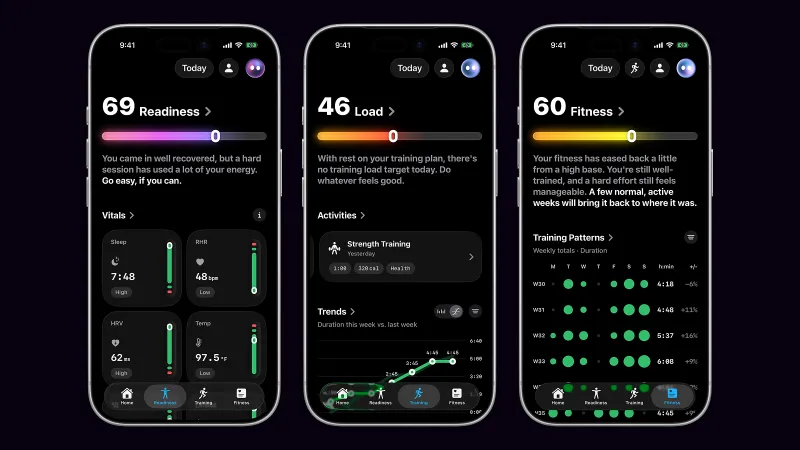
Readiness, training load and fitness, side by side
JPG · 1600 × 900 · 495 KB
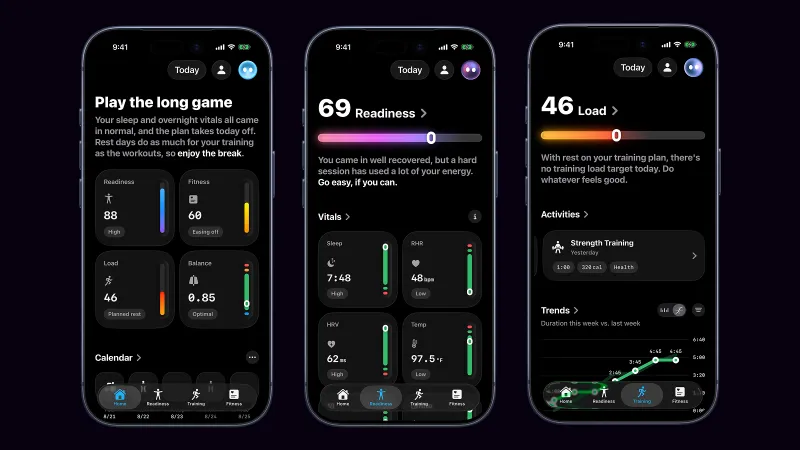
Home, readiness and load
JPG · 1600 × 900 · 476 KB
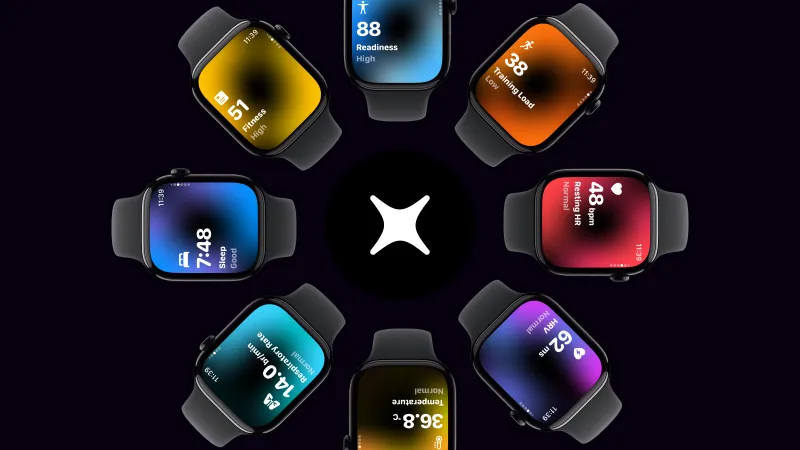
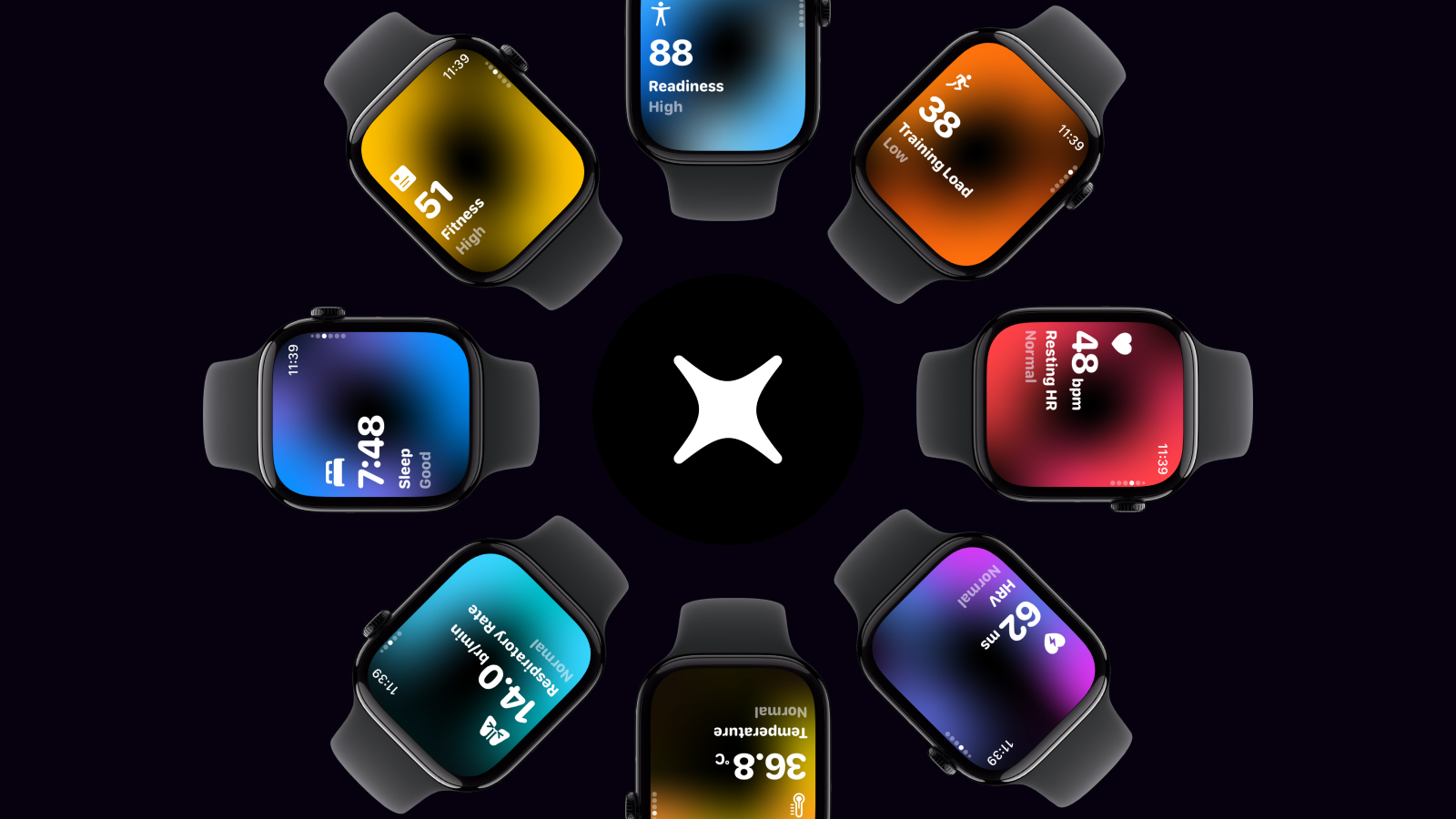
The whole watch dashboard, around the mark
JPG · 1600 × 900 · 466 KB
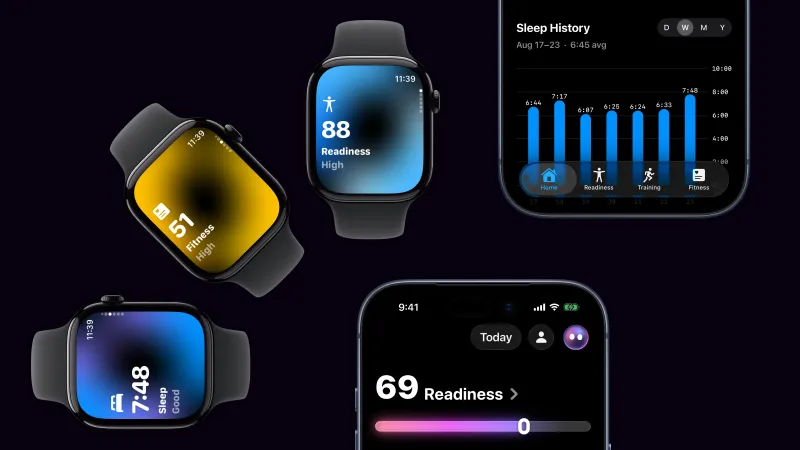
The watch app and the phone app together
JPG · 1600 × 900 · 385 KB
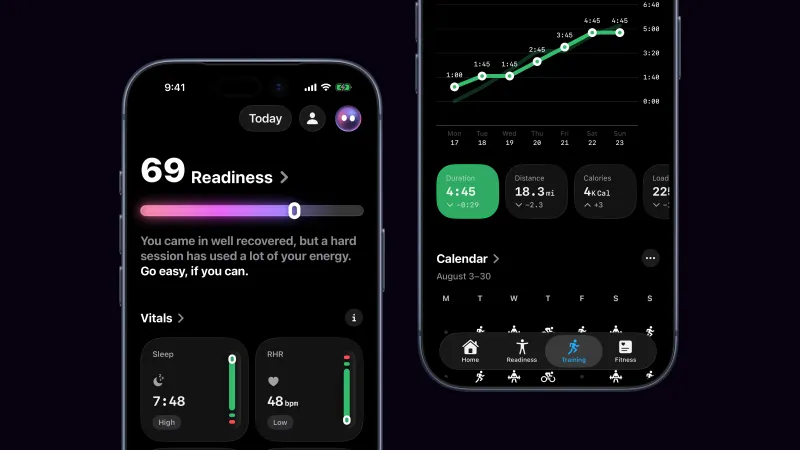
Readiness beside the week's trends
JPG · 1600 × 900 · 302 KB
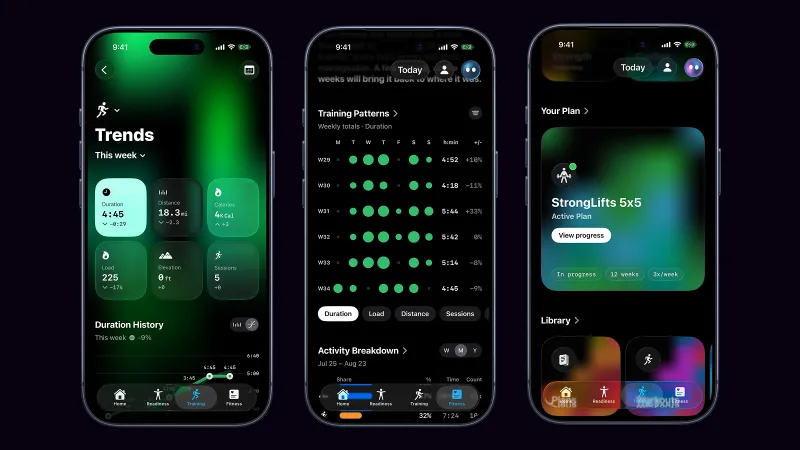
Trends, training patterns and the plan library
JPG · 1600 × 900 · 602 KB
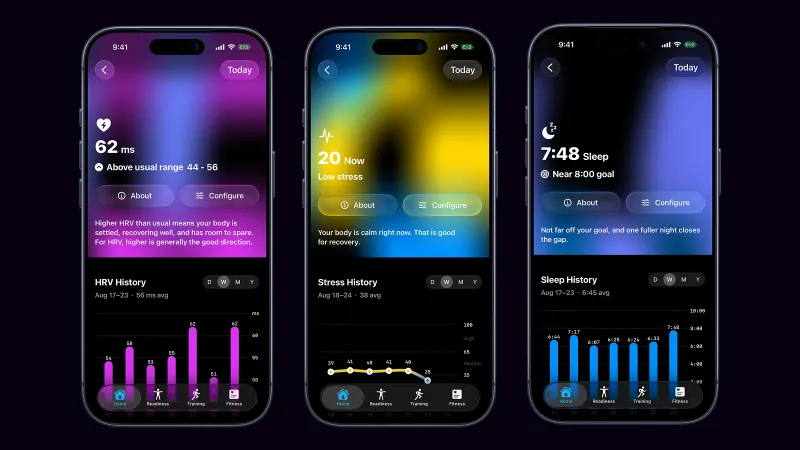
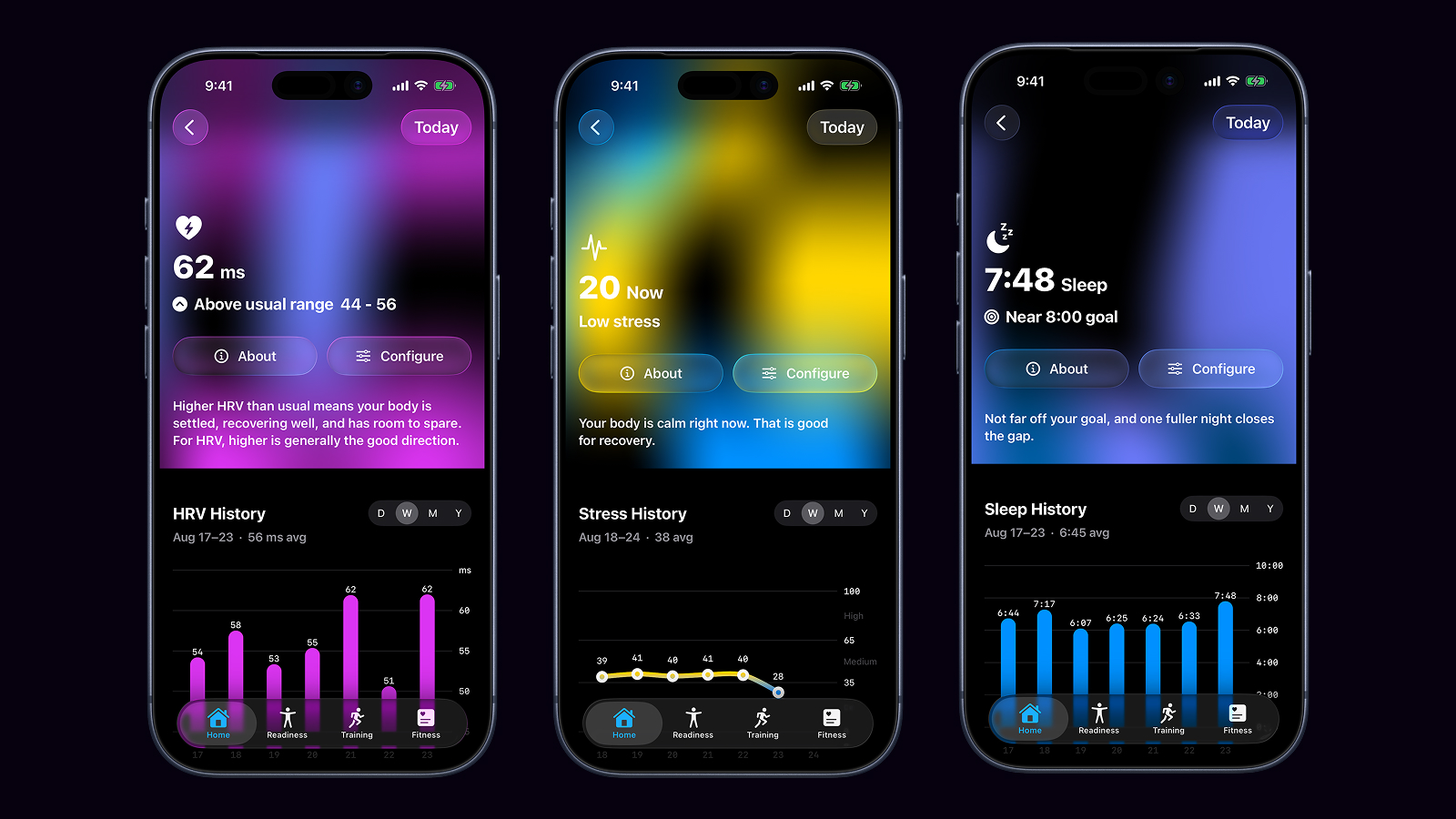
Heart rate variability, stress and sleep
JPG · 1600 × 900 · 639 KB
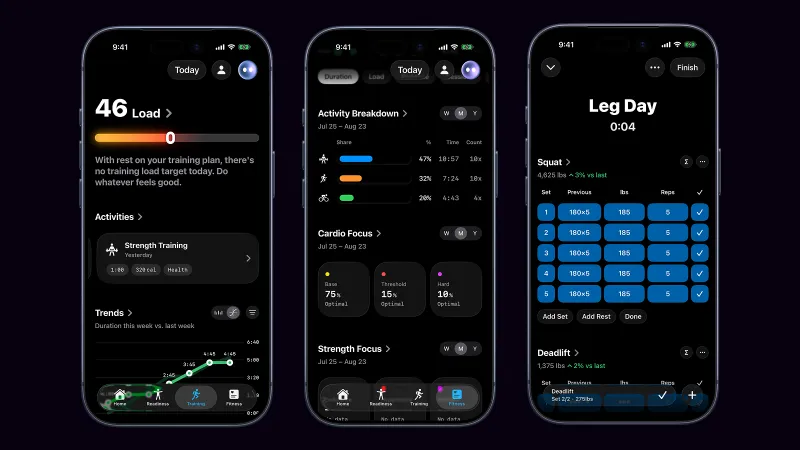
Training load, the activity breakdown and a workout
JPG · 1600 × 900 · 504 KB





iPhone
iPhone 17 Pro. Framed shots are 1318 by 2717 with a transparent background, so they drop onto any colour. The unframed originals are 1206 by 2622.
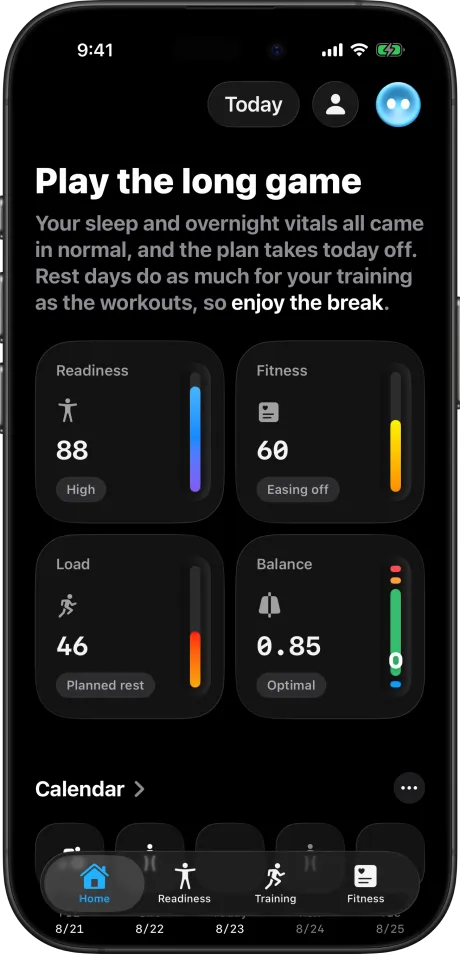
Home: the day written as a sentence, with today's numbers under it
PNG · 1308 × 2710 · 587 KB
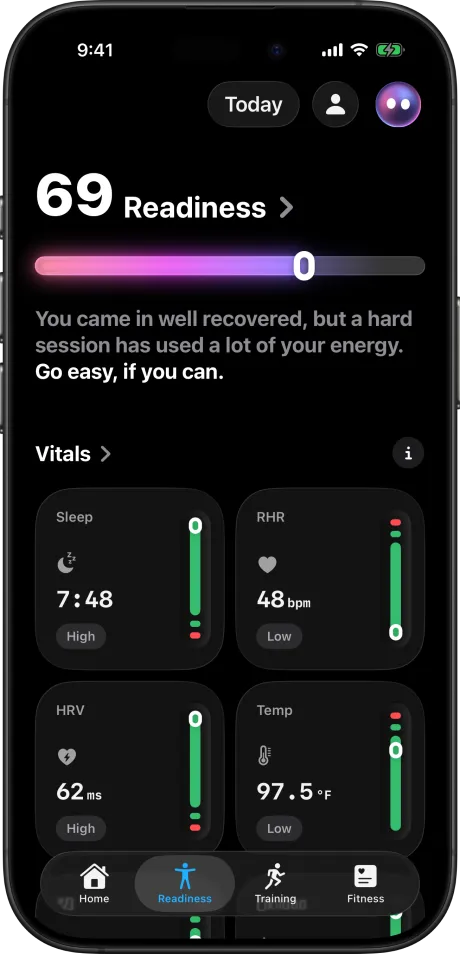
Readiness: today's score and the overnight vitals behind it
PNG · 1308 × 2710 · 601 KB
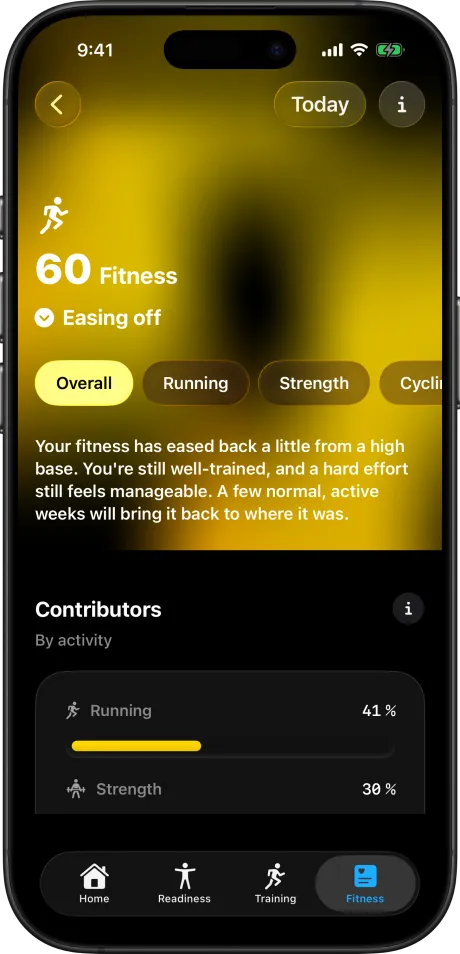
Fitness: your level, where it is heading, and what is driving it
PNG · 1308 × 2710 · 1.5 MB
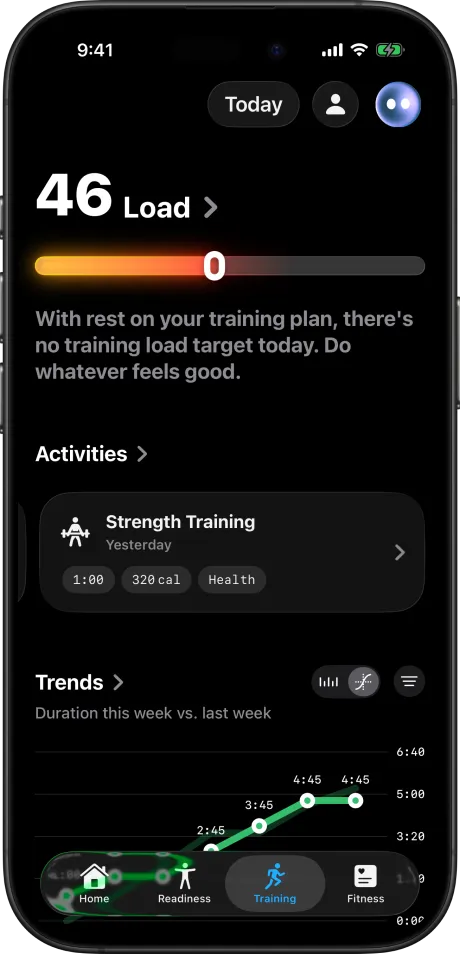
Training: today's load, recent activity and the week's trend
PNG · 1308 × 2710 · 599 KB
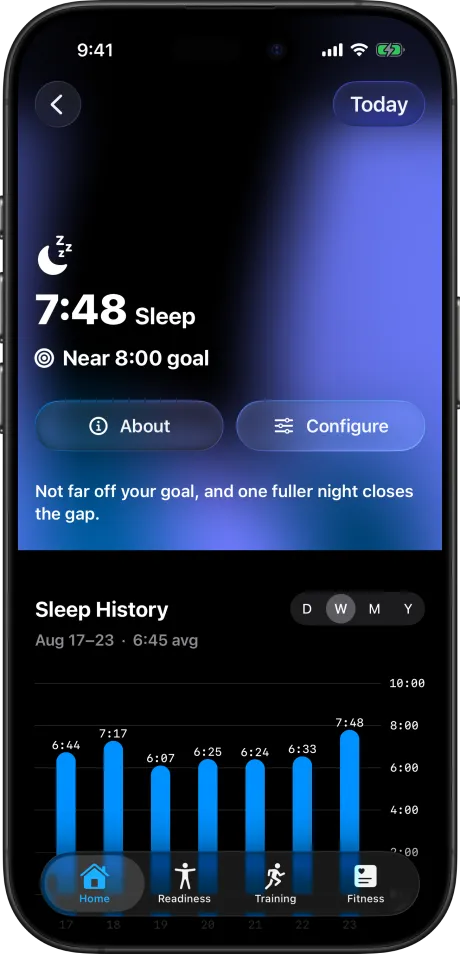
Sleep: last night against your goal, with a year of history
PNG · 1308 × 2710 · 1.5 MB
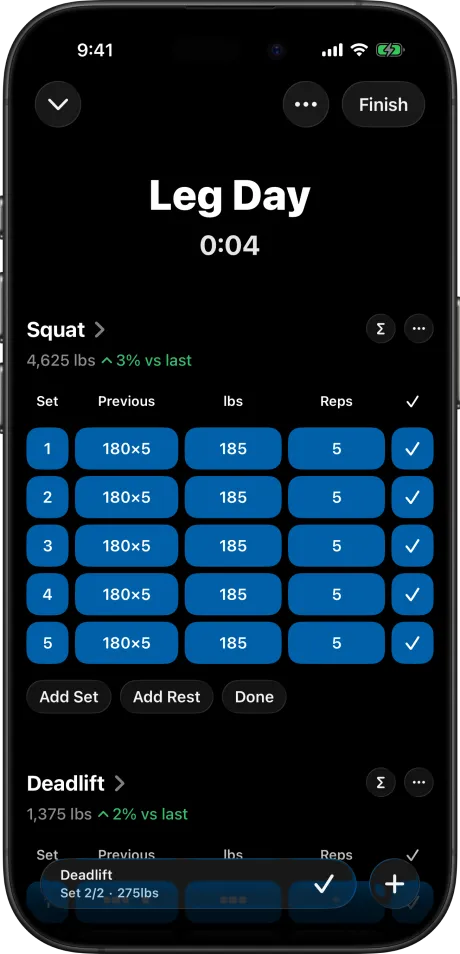
A strength workout in progress, set by set
PNG · 1308 × 2710 · 520 KB
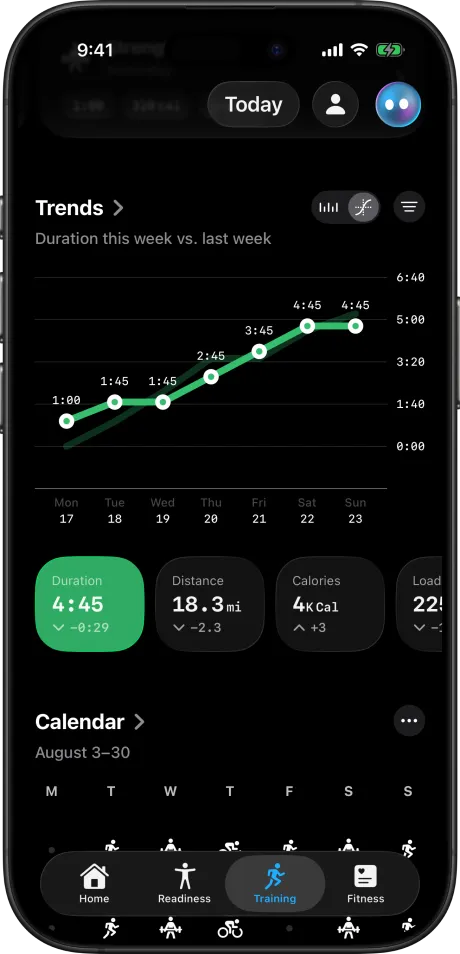
Trends: this week's duration against last week, and the calendar
PNG · 1308 × 2710 · 564 KB
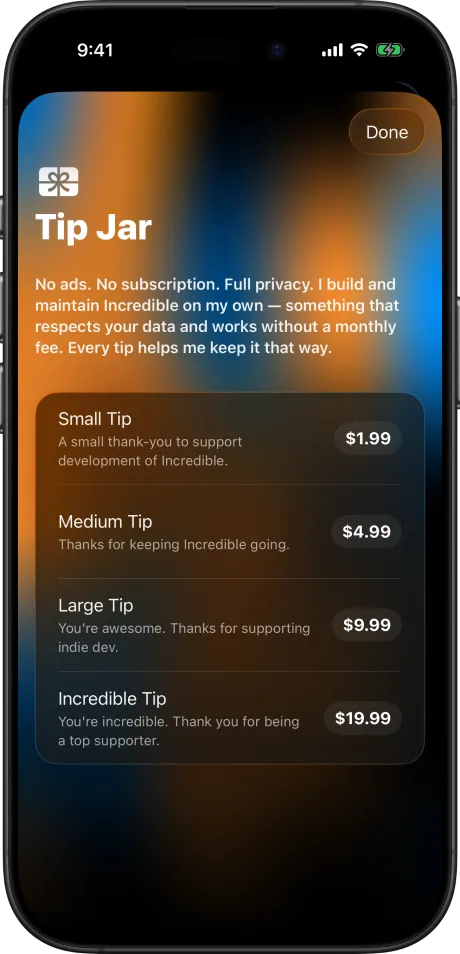
The Tip Jar. The only money in the app.
PNG · 1308 × 2710 · 1.8 MB
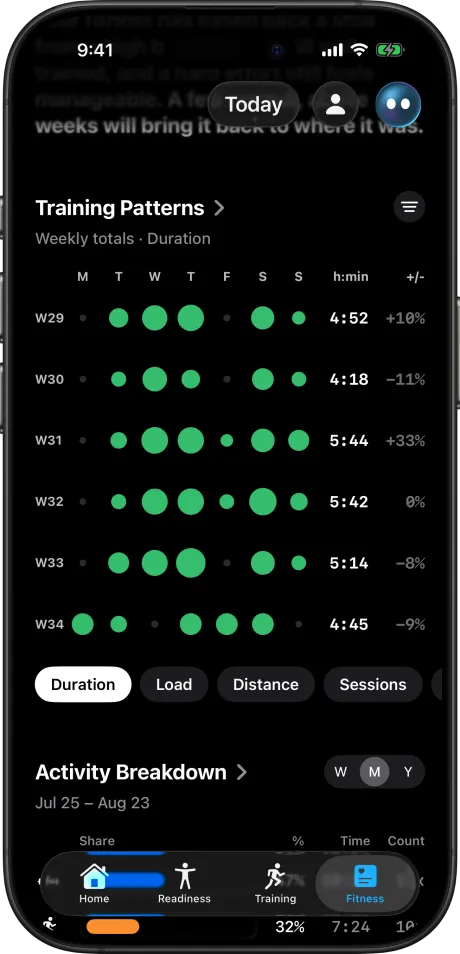
Training patterns: every week of training as a grid
PNG · 1308 × 2710 · 677 KB
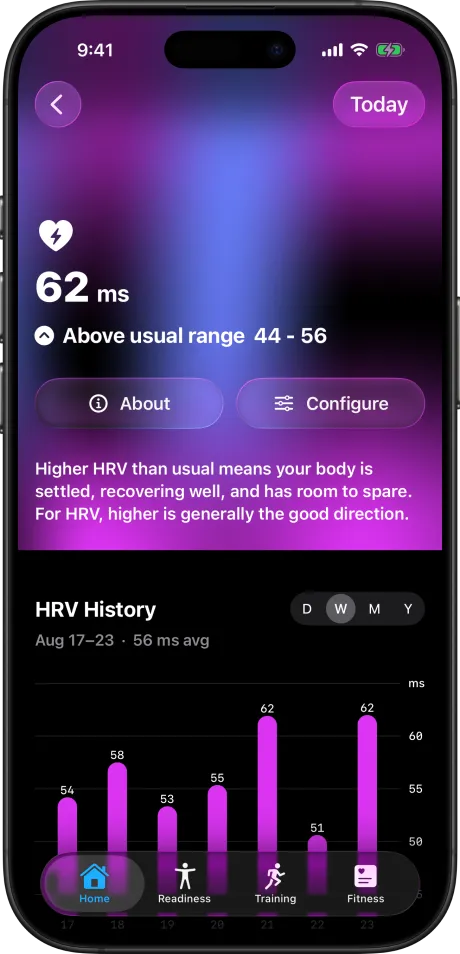
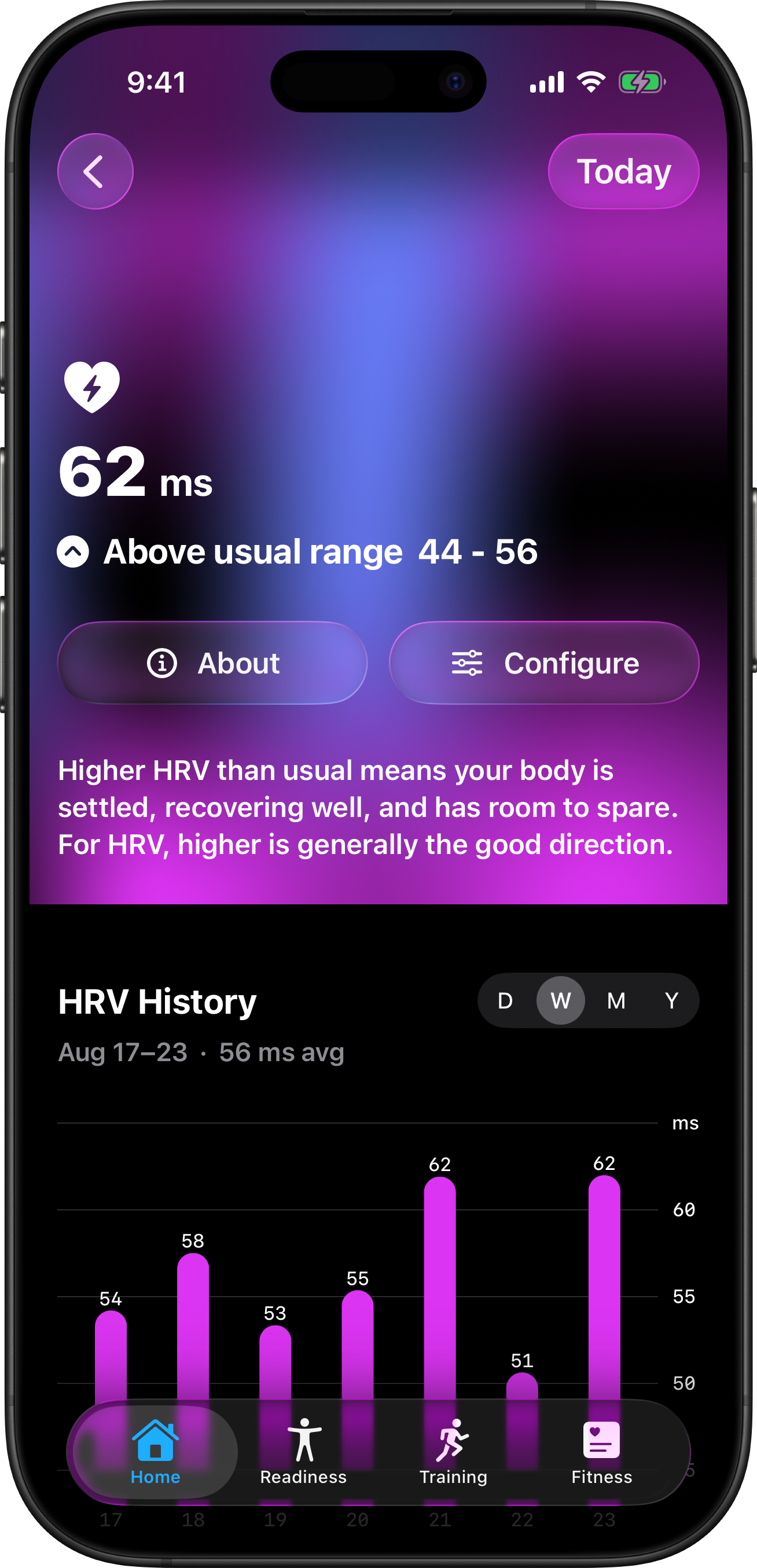
Heart rate variability, with a year of history
PNG · 1308 × 2710 · 1.7 MB
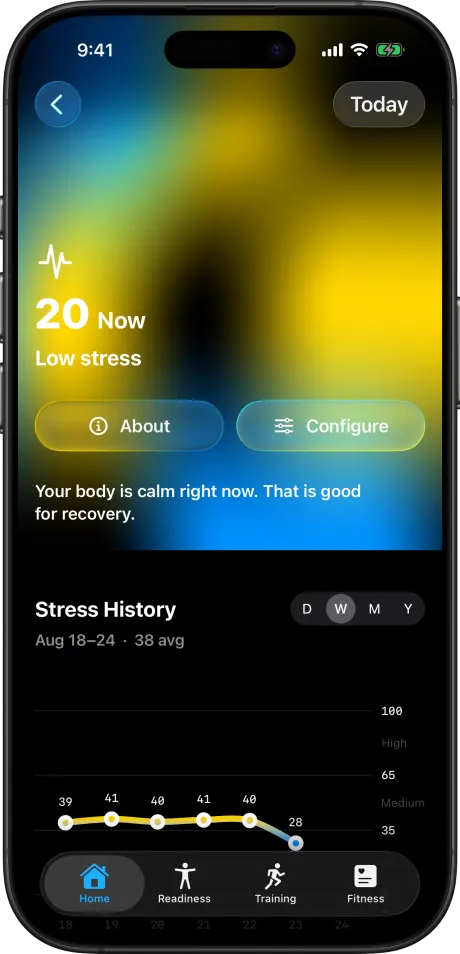
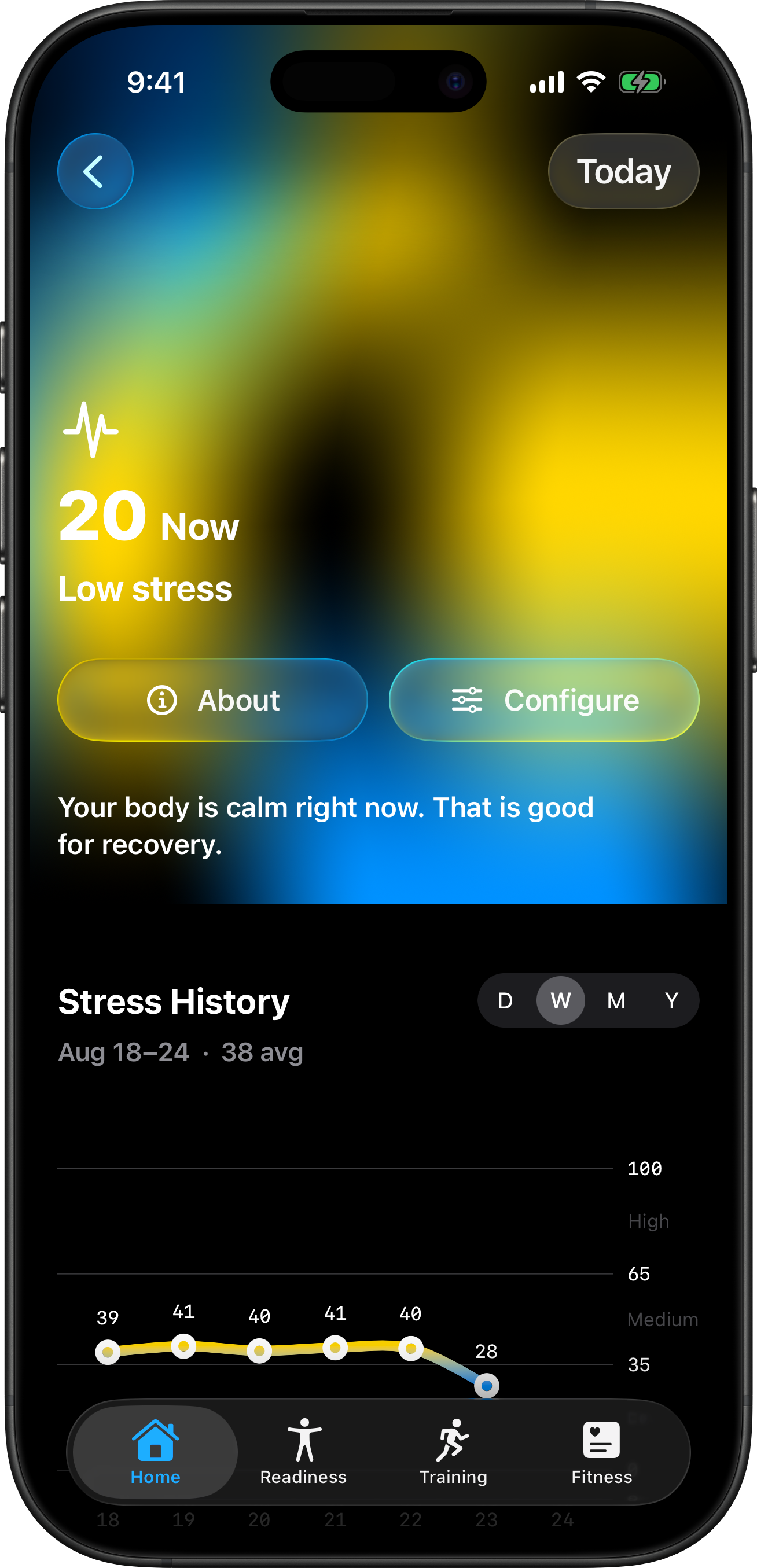
Stress right now, with a year of history
PNG · 1308 × 2710 · 1.7 MB
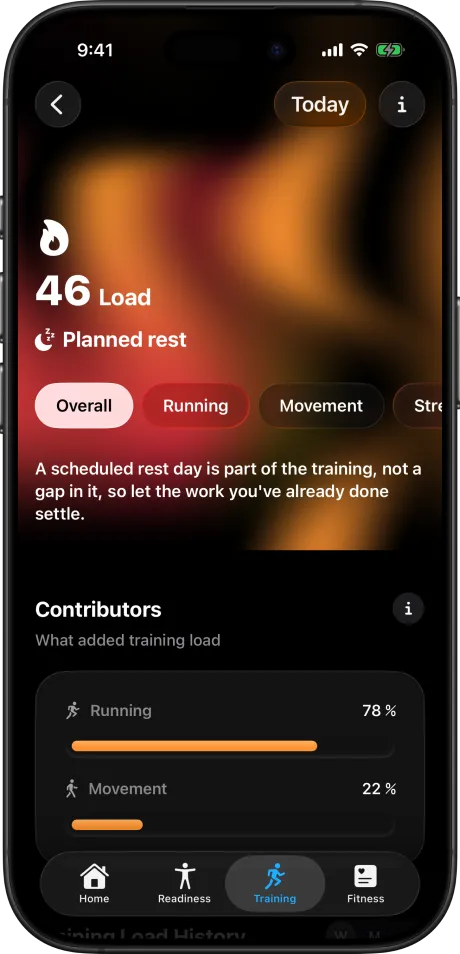
Training load, and what added to it
PNG · 1308 × 2710 · 1.6 MB
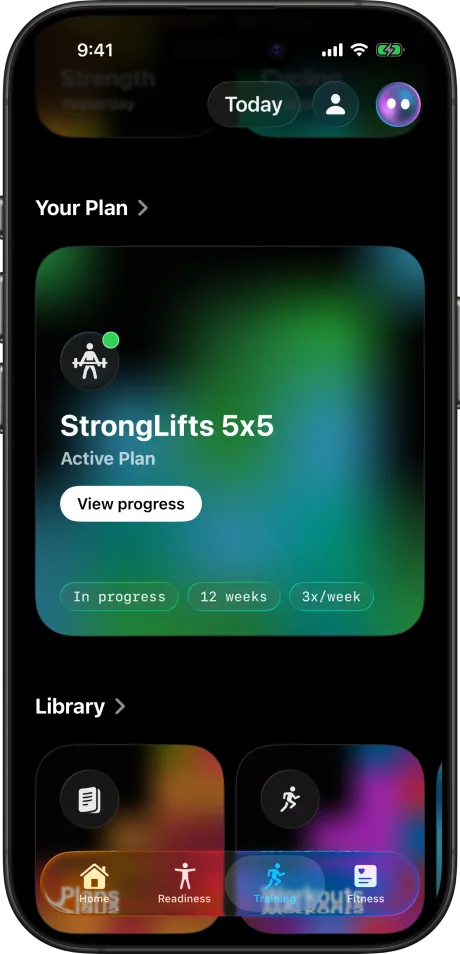
Your plan, and the library it came from
PNG · 1308 × 2710 · 1.6 MB
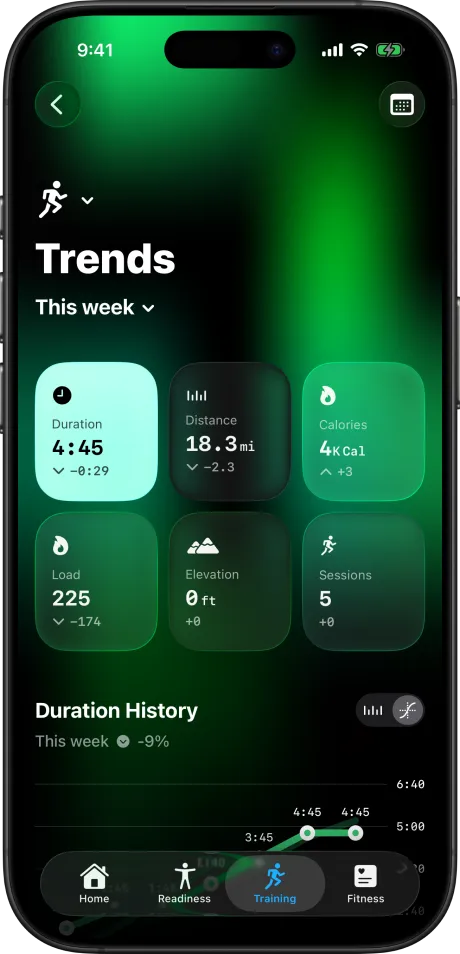
This week's totals against last week
PNG · 1308 × 2710 · 2.0 MB
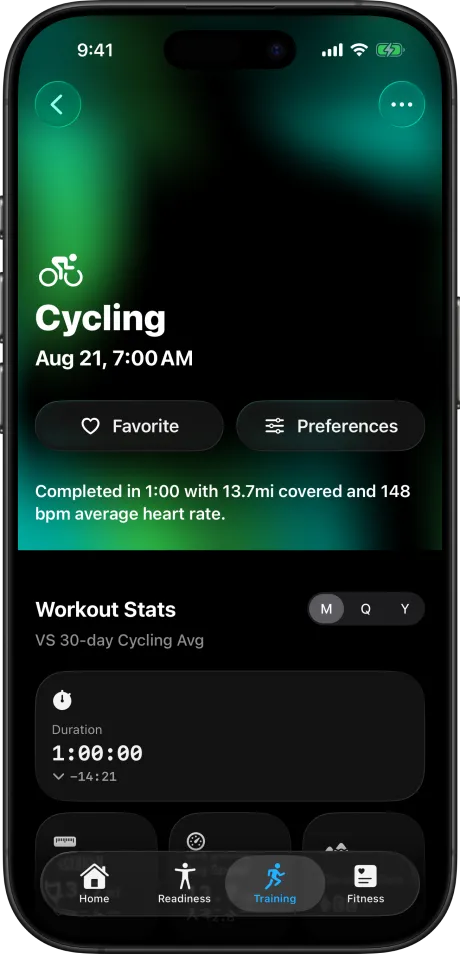
A finished ride: stats, heart rate and splits
PNG · 1308 × 2710 · 1.3 MB




Apple Watch
Apple Watch Ultra 3 and Series 11, in three finishes. Transparent background, so they sit on any colour.
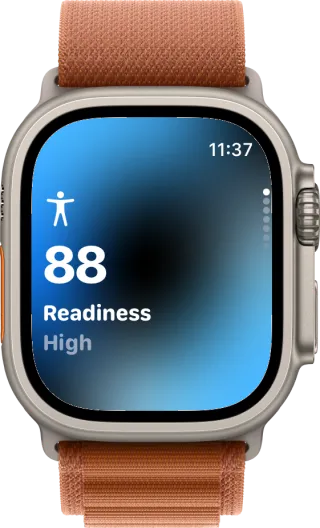
Readiness on the wrist
PNG · 561 × 924 · 596 KB
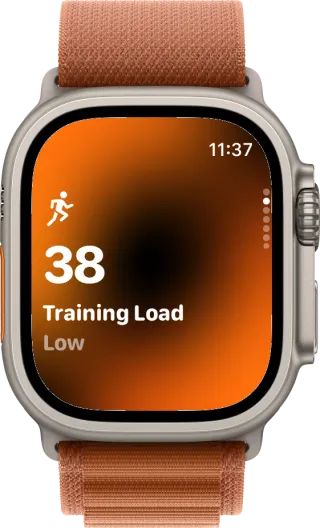
Training load
PNG · 561 × 924 · 589 KB
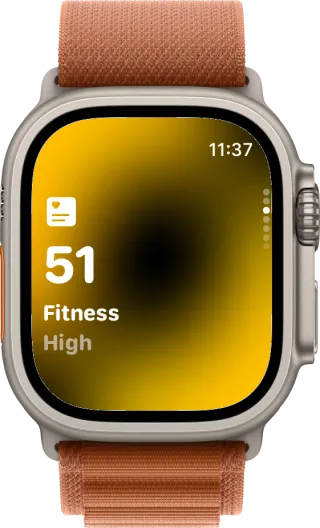
Fitness level
PNG · 561 × 924 · 566 KB
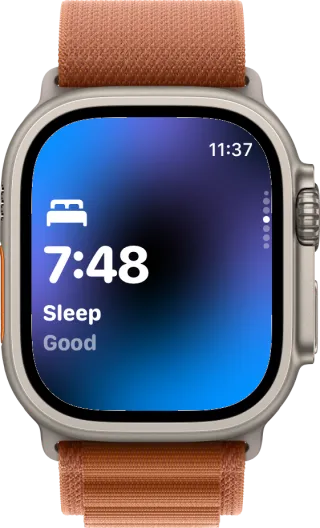
Last night's sleep
PNG · 561 × 924 · 590 KB
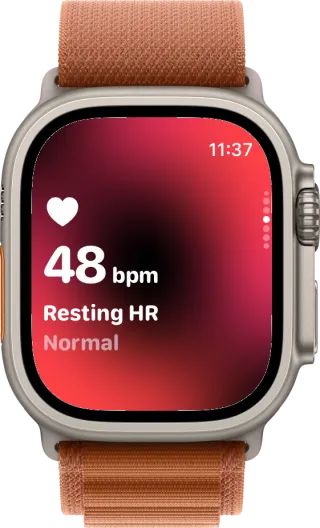
Resting heart rate
PNG · 561 × 924 · 592 KB
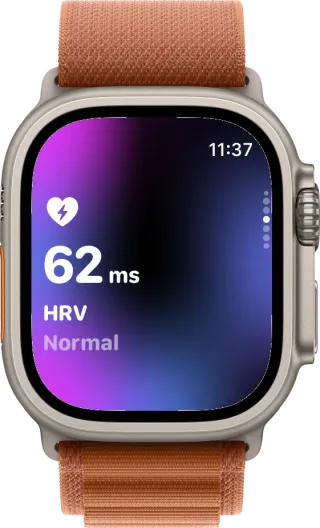
Heart rate variability
PNG · 561 × 924 · 584 KB
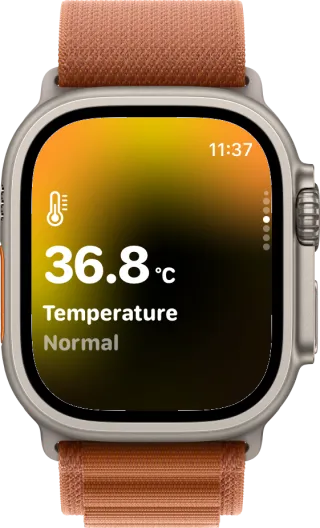
Wrist temperature
PNG · 561 × 924 · 567 KB
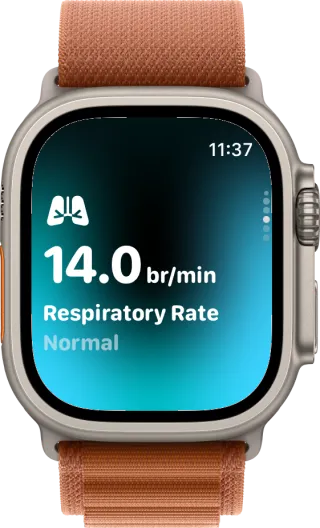
Respiratory rate
PNG · 561 × 924 · 579 KB
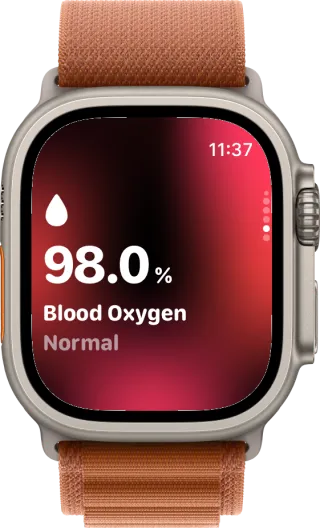
Blood oxygen
PNG · 561 × 924 · 580 KB
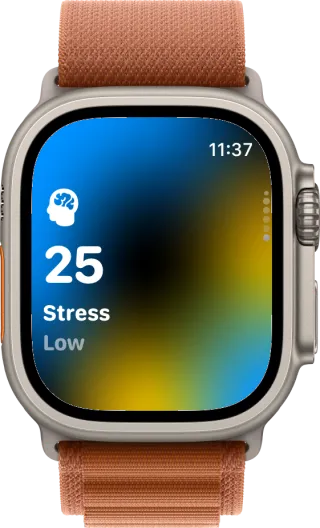
Stress
PNG · 561 × 924 · 588 KB
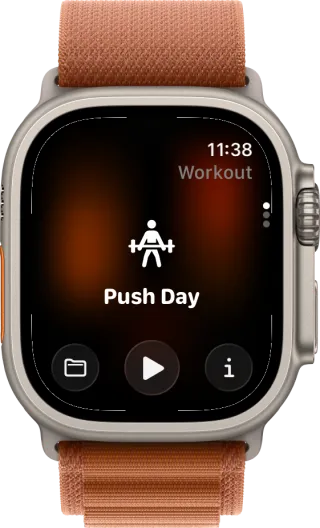
Starting a workout
PNG · 561 × 924 · 560 KB
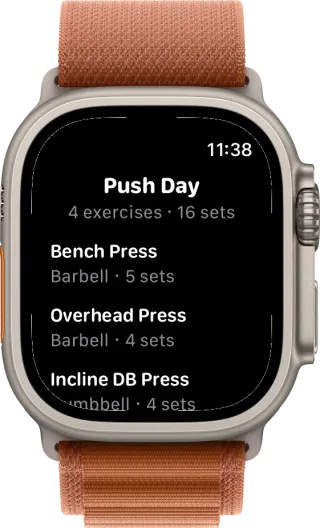
The routine, before the first set
PNG · 561 × 924 · 446 KB
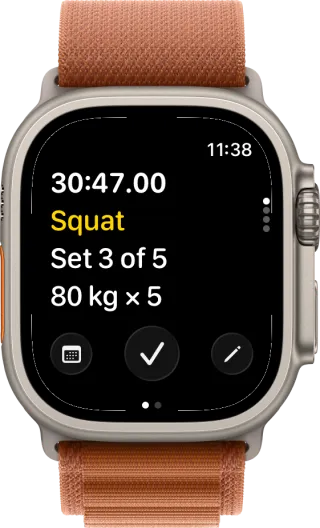
Mid set: the weight, the reps and the clock
PNG · 561 × 924 · 438 KB
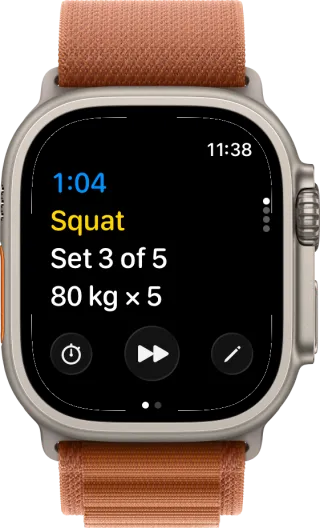
The rest timer between sets
PNG · 561 × 924 · 436 KB
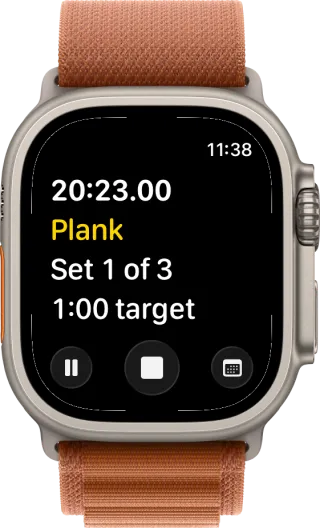
A timed exercise counting down
PNG · 561 × 924 · 435 KB
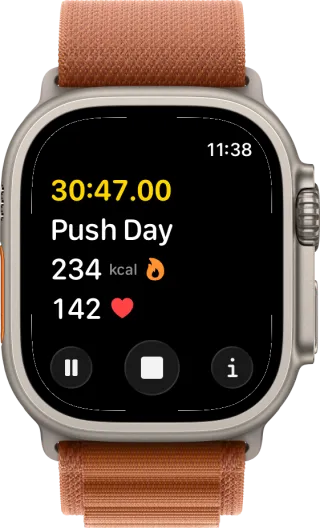
Live workout metrics
PNG · 561 × 924 · 434 KB
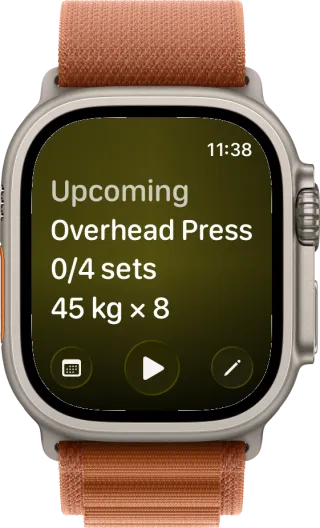
What is coming next in the workout
PNG · 561 × 924 · 566 KB
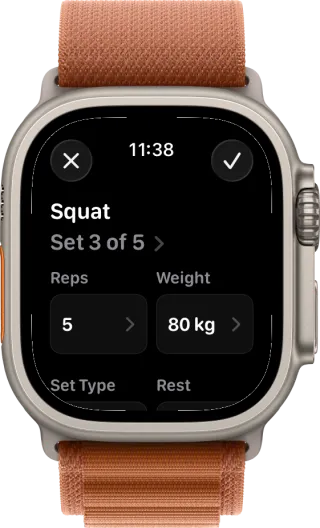
Editing a set on the watch
PNG · 561 × 924 · 438 KB
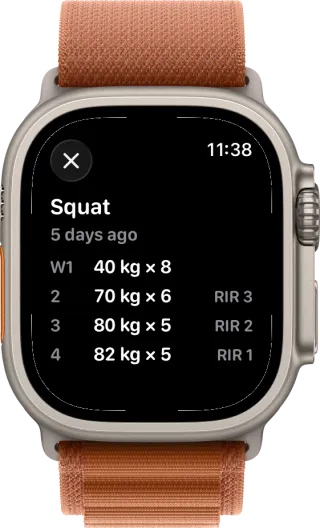
What you lifted last time
PNG · 561 × 924 · 444 KB
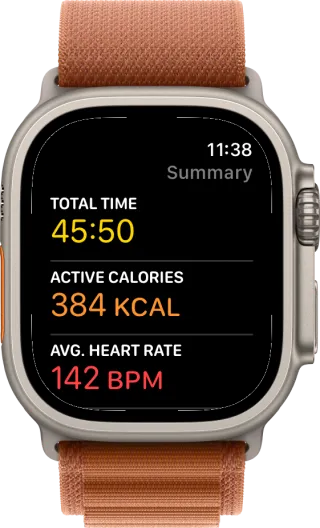
The finished workout
PNG · 561 × 924 · 440 KB


The app in short
- What it is
- Incredible reads what Apple Health already holds and turns it into readiness, fitness, training load and training plans, in plain language. It goes deepest with an Apple Watch.
- Price
- Free. No account, no subscription, no ads. A tip jar is the only money in the app.
- Platforms
- iPhone and Apple Watch. Requires iOS 26.1 or newer.
- Languages
- 33
- App Store
- apps.apple.com
Notes on the files
- The screenshots were captured on August 23, 2026 and show the app as it ships today.
- Keep them as PNG. Interface text smears under JPEG. For a blog post, 1600 pixels on the long edge is plenty.
- The framed shots have a transparent background, so they sit on any colour. The unframed iPhone set is the raw device size.
- Apple device images belong to Apple and follow their marketing guidelines. Use them as they are, without cropping or tilting the device.
Anything else, write to hello@incredible-app.com.