Brand assets
The app icon, the mark, ready-made graphics, and screenshots of the iPhone and Apple Watch app. All of it is free to use in articles, videos and reviews. Nothing to sign up for, nothing to ask permission for.
If you need a screen that is not here, a shot in another language, or something built for a specific piece, write to hello@incredible-app.com. We answer the same day.
iPhone, Apple Watch, release graphics and the official icon pack.
The icon and the mark
The icon as the App Store shows it, and the mark on its own. The zip holds every size and both the black and white versions.

App icon
The icon as the App Store shows it. 1024 square, PNG.
100 KB

The mark
The mark on the black square. SVG, and PNG at 512.
1 KB

The mark on its own
No background, for dark surfaces. A black version is in the zip.
1 KB
Using them
- Use the icon and the mark as they are. No recolouring, no restyling, no stretching.
- Do not use them to suggest that we endorse a product.
- Leave a little space around them.
- The name is written Incredible, with a capital letter, on its own.
Colours
Near black
#050507
White
#FFFFFF
That is the whole palette. The colour in the app comes from the screens themselves, not from a brand colour.
Ready-made graphics
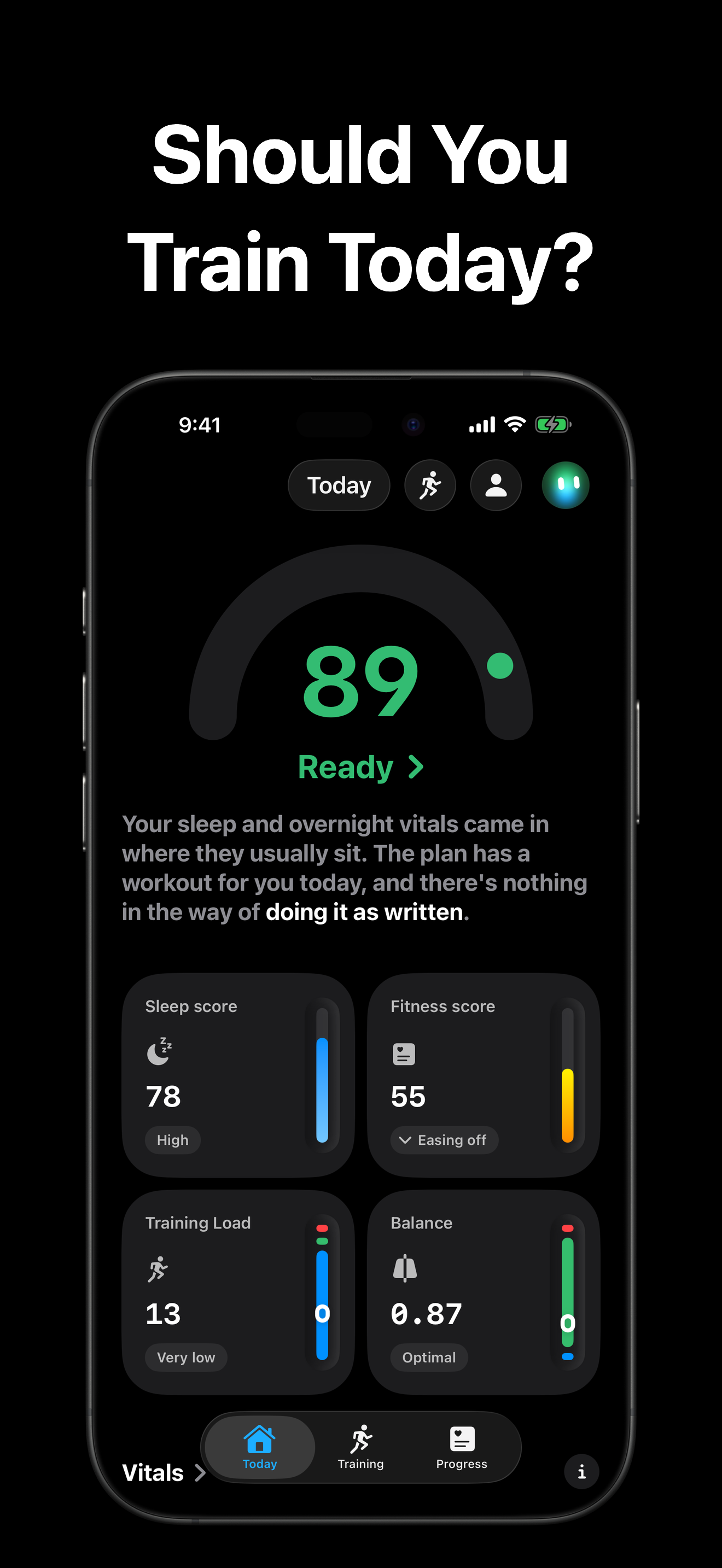
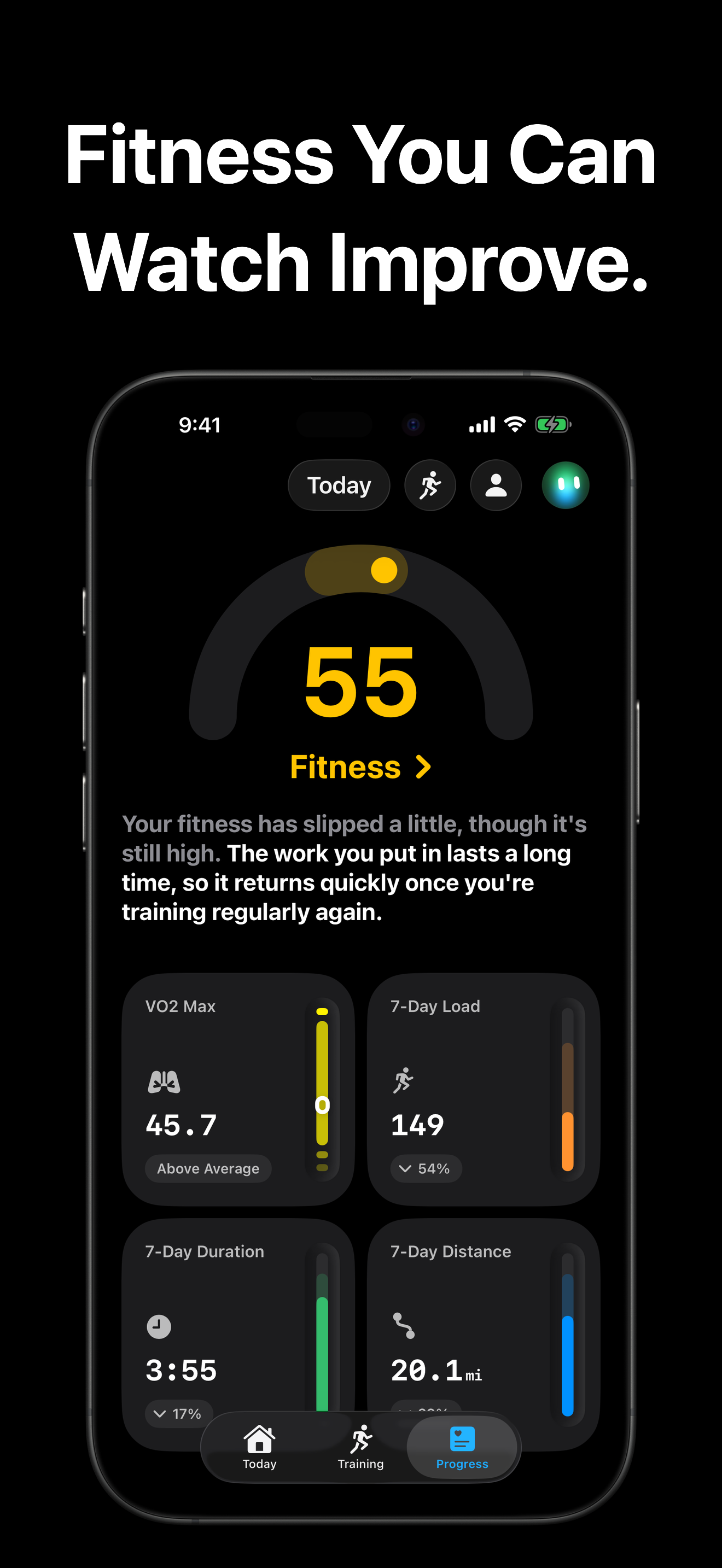
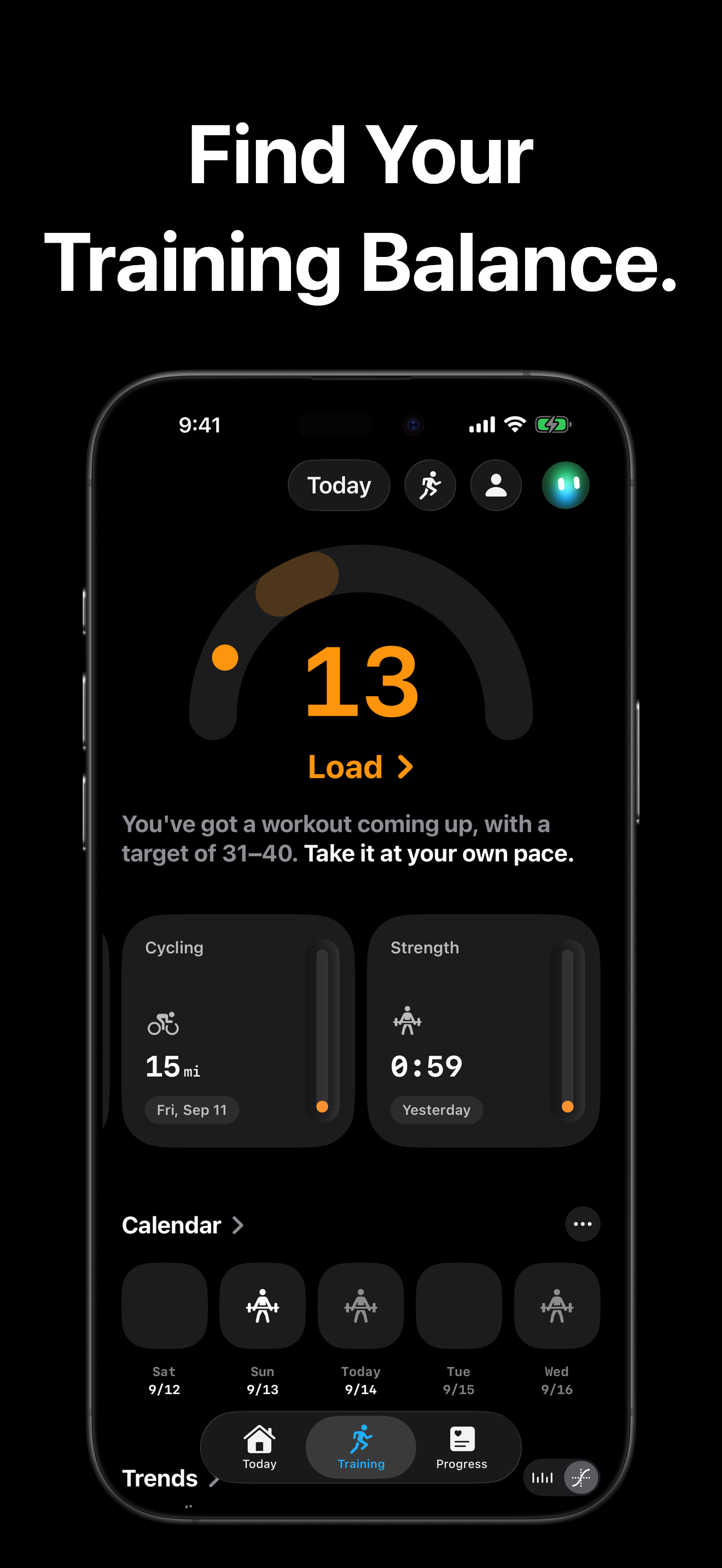
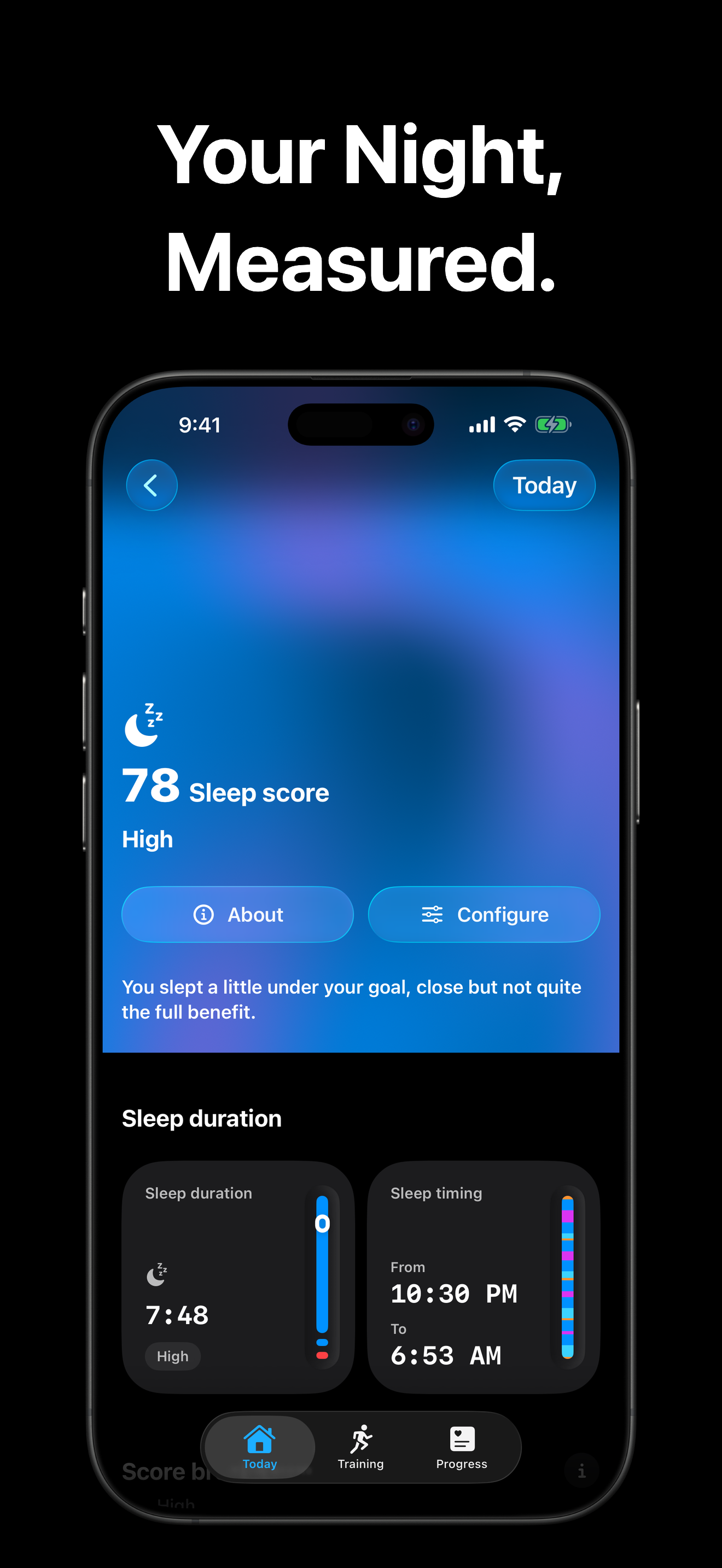
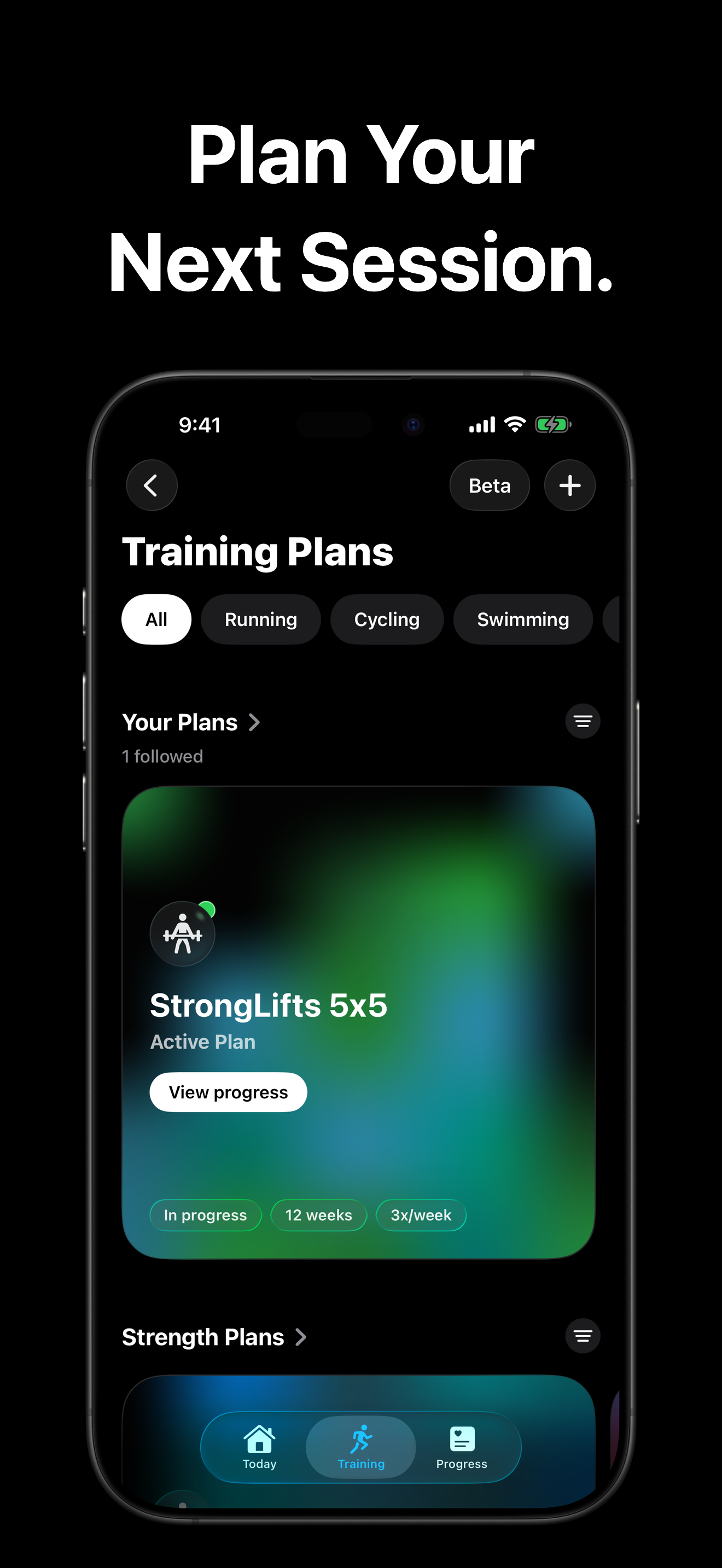
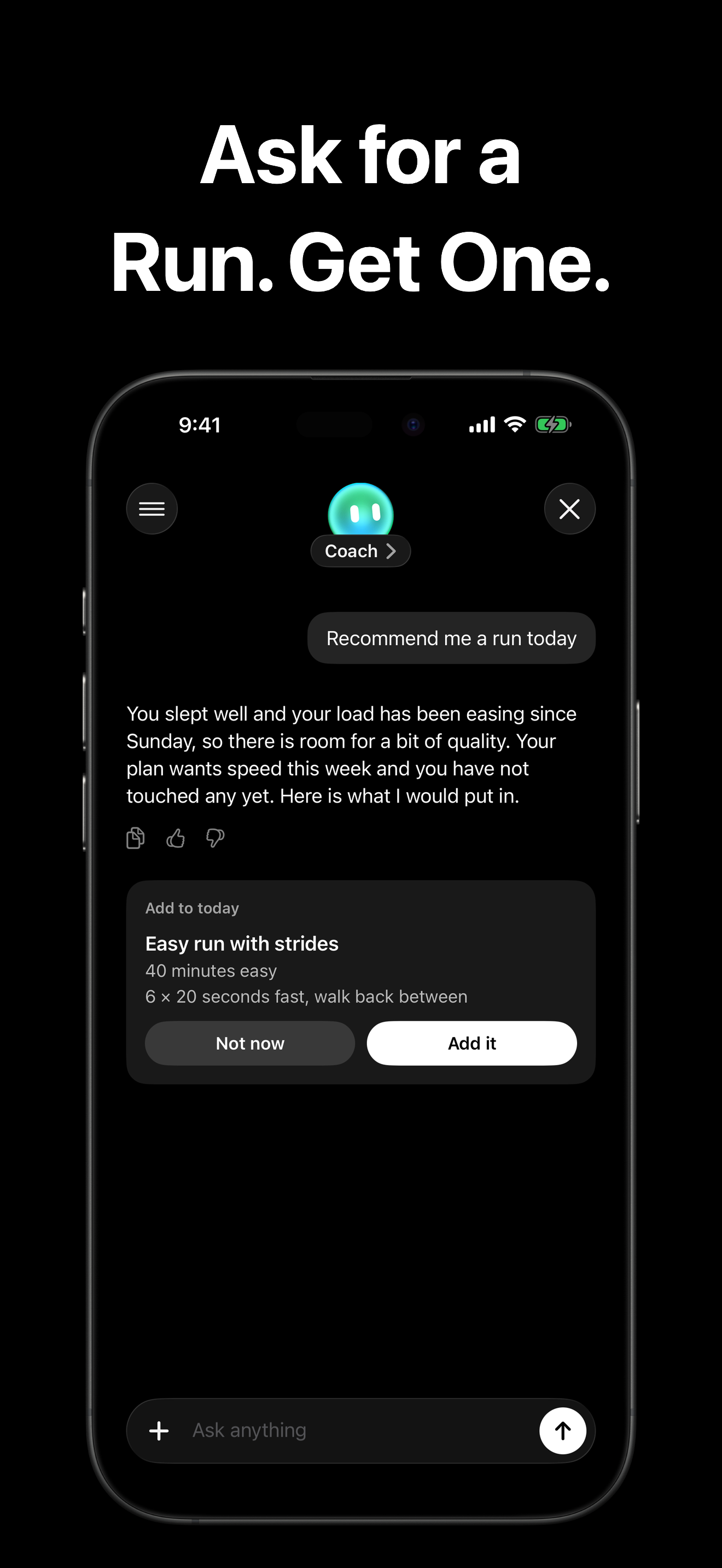
The approved 1.3 release graphics, including the new Today screen, light mode and Sleep Score. Portrait PNGs, 1320 by 2868.
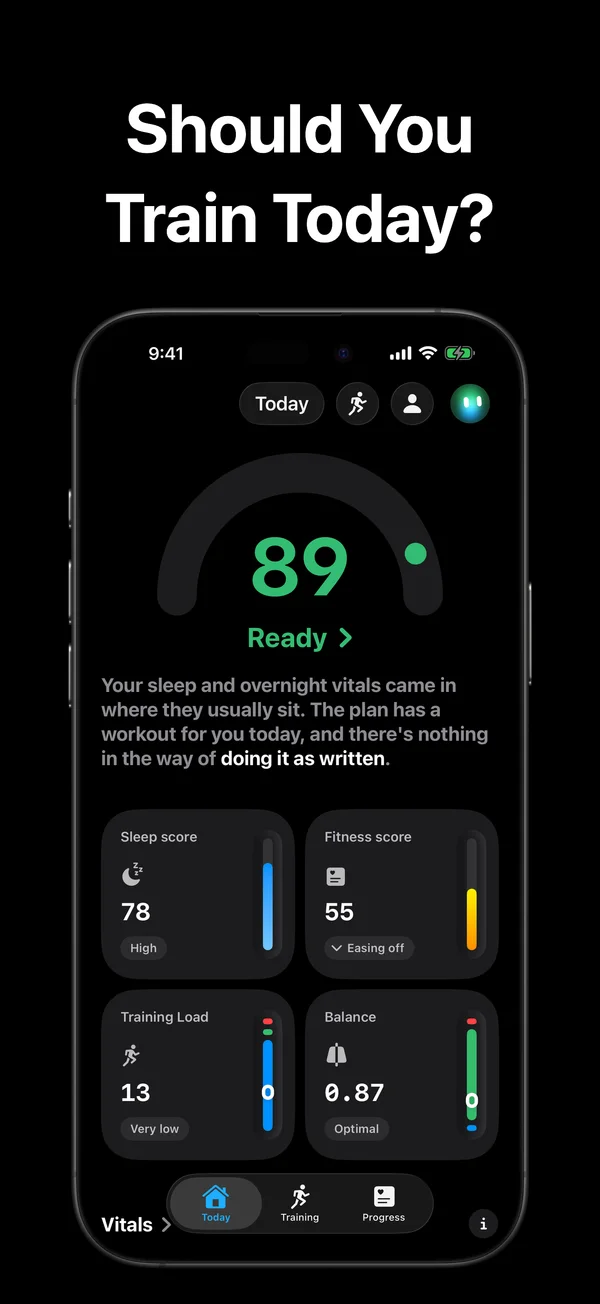
Today: Readiness, Sleep Score, Fitness, Training Load and Balance
PNG · 1320 × 2868 · 500 KB
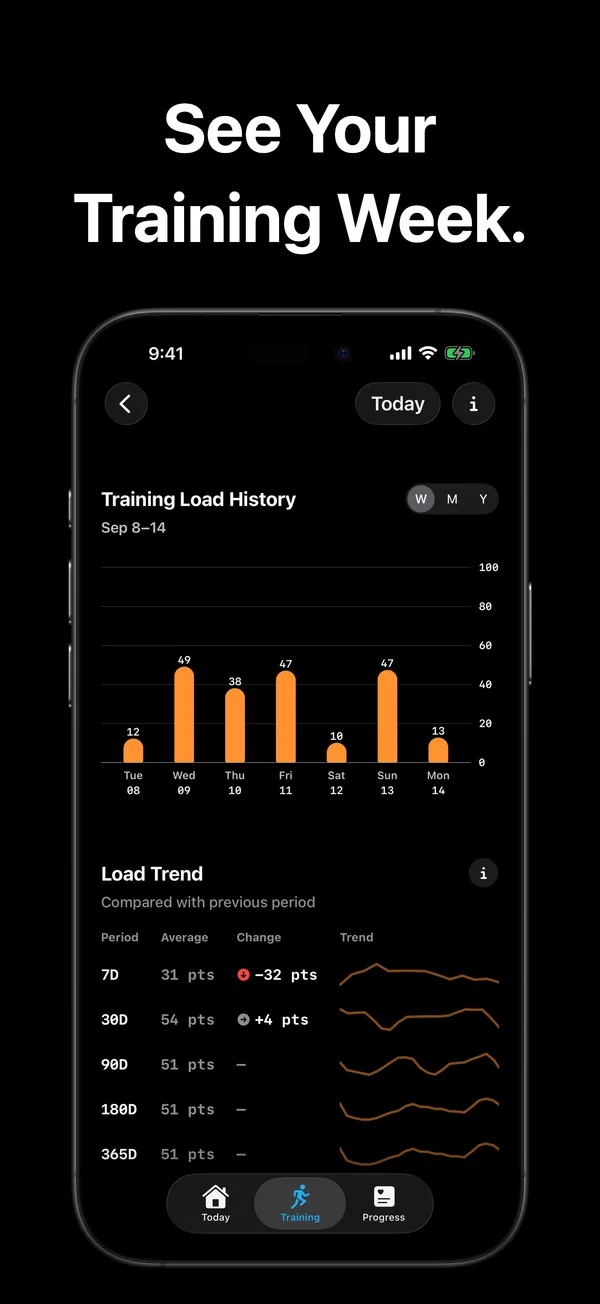
Training Load: activity and load over time
PNG · 1320 × 2868 · 422 KB
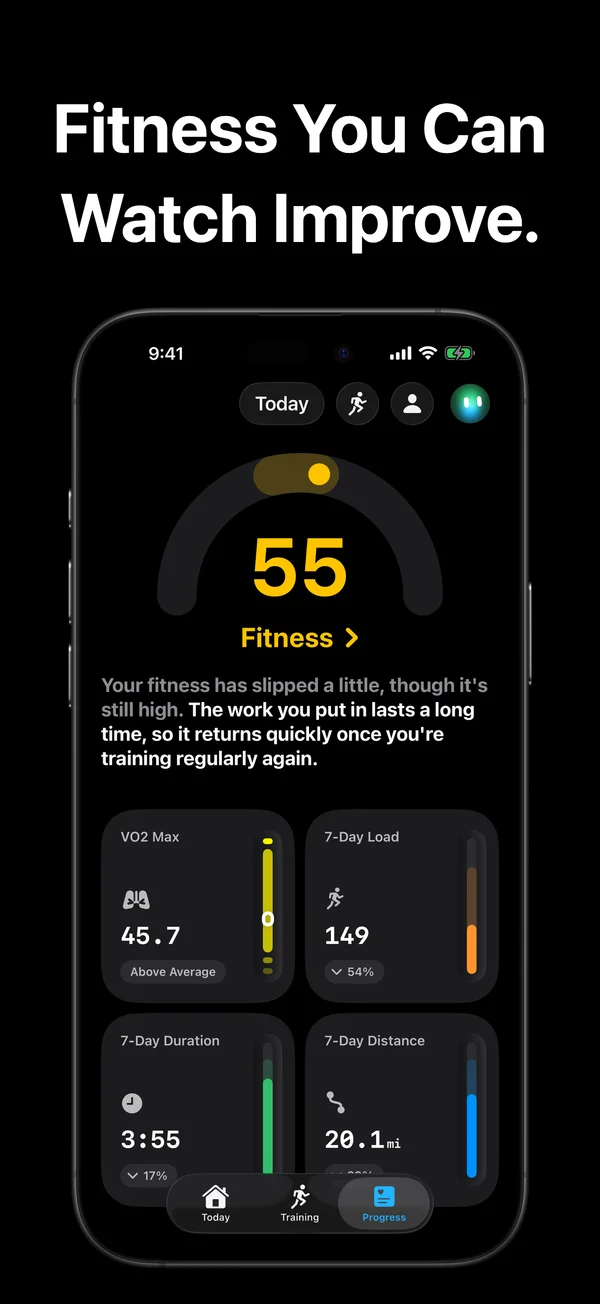
Progress: cardio fitness and training trends
PNG · 1320 × 2868 · 492 KB
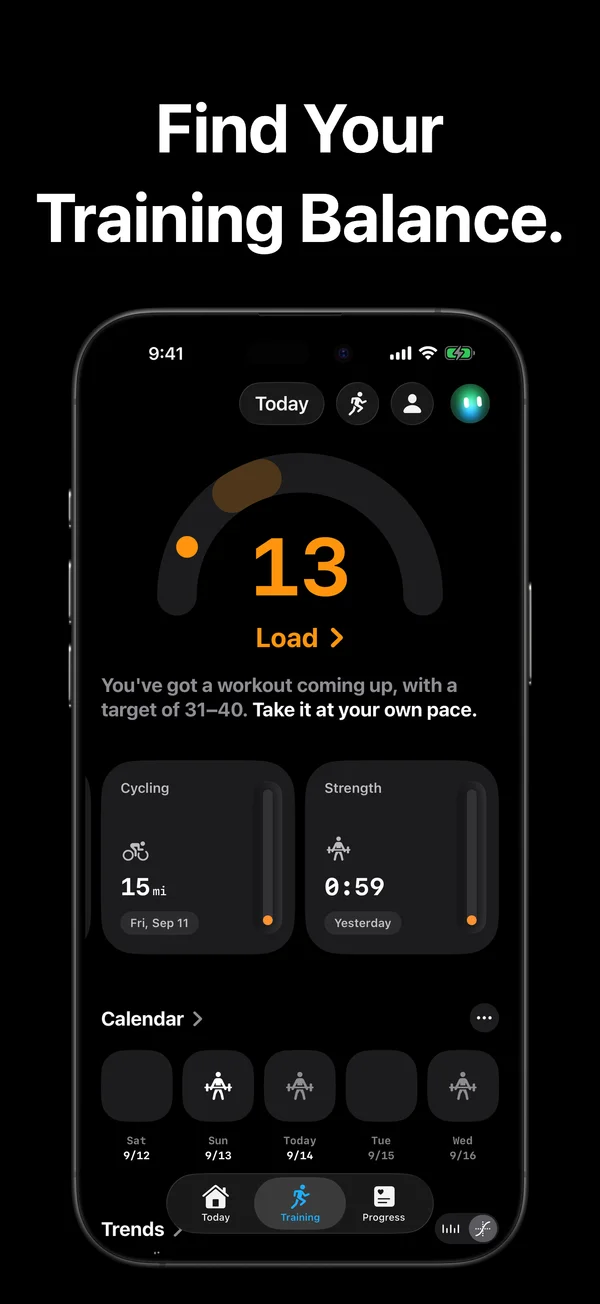
Training: load and recent workouts
PNG · 1320 × 2868 · 445 KB
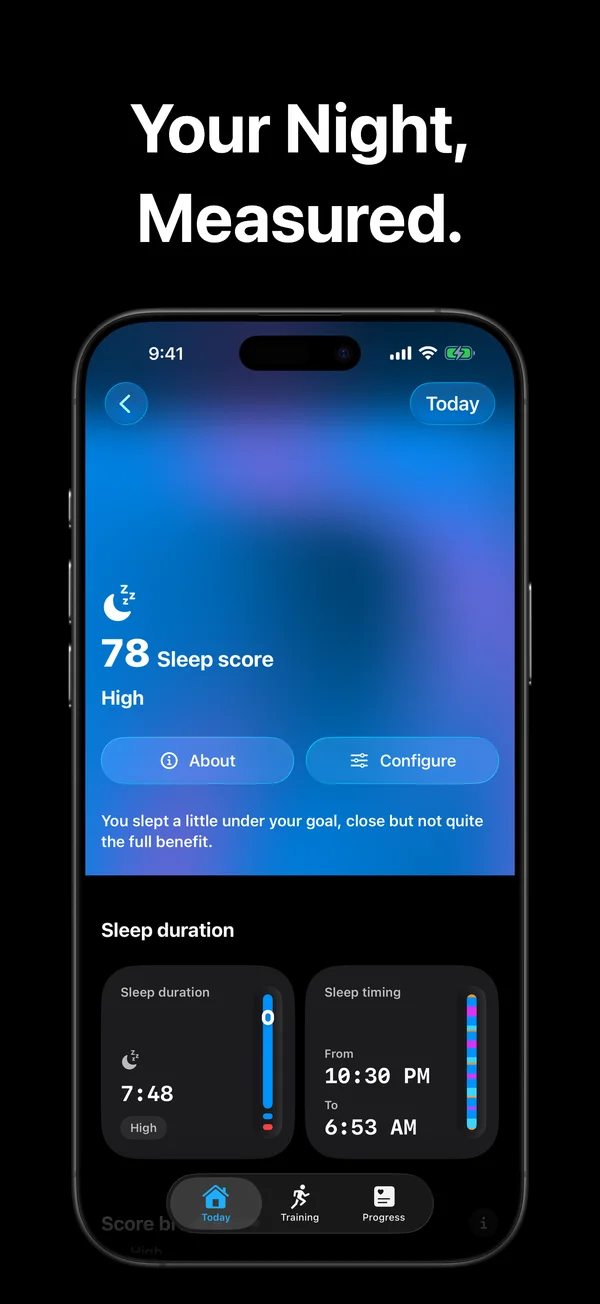
Sleep: score, duration and timing
PNG · 1320 × 2868 · 1.1 MB
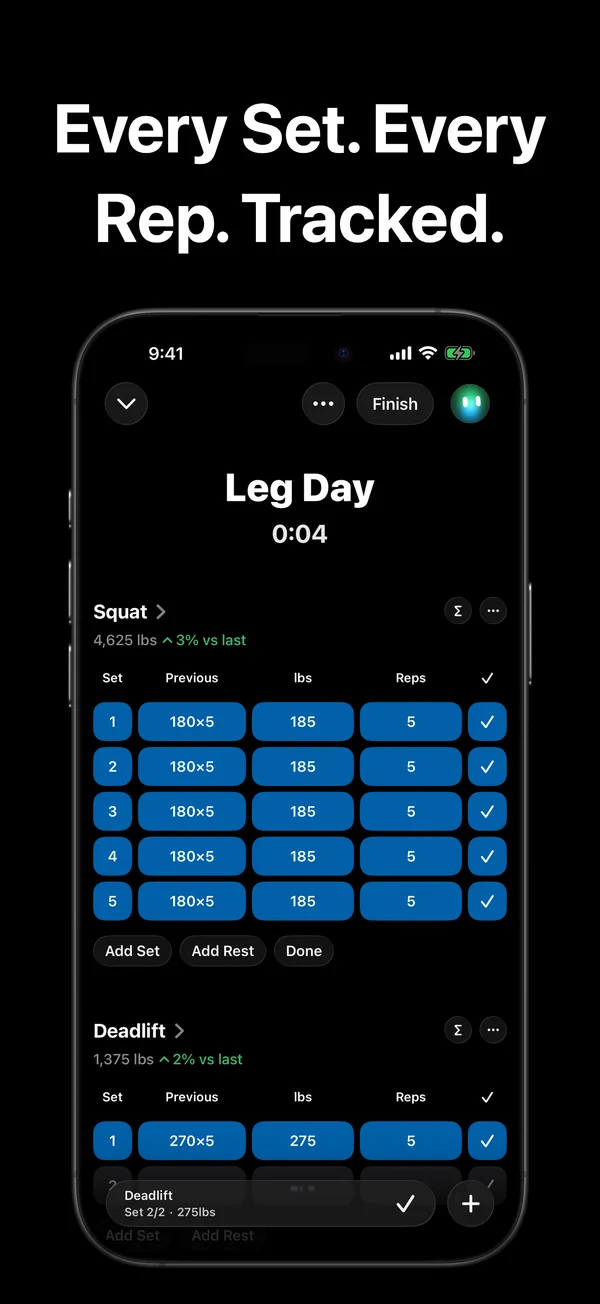
A strength workout in progress
PNG · 1320 × 2868 · 494 KB
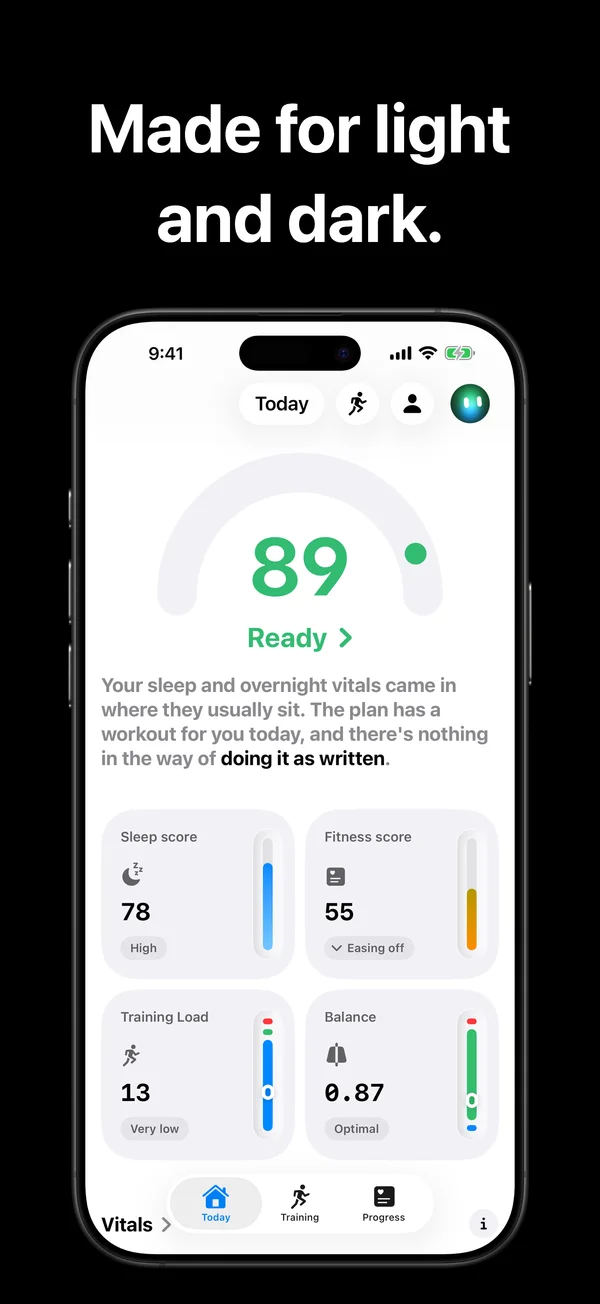
Today in light mode
PNG · 1320 × 2868 · 503 KB
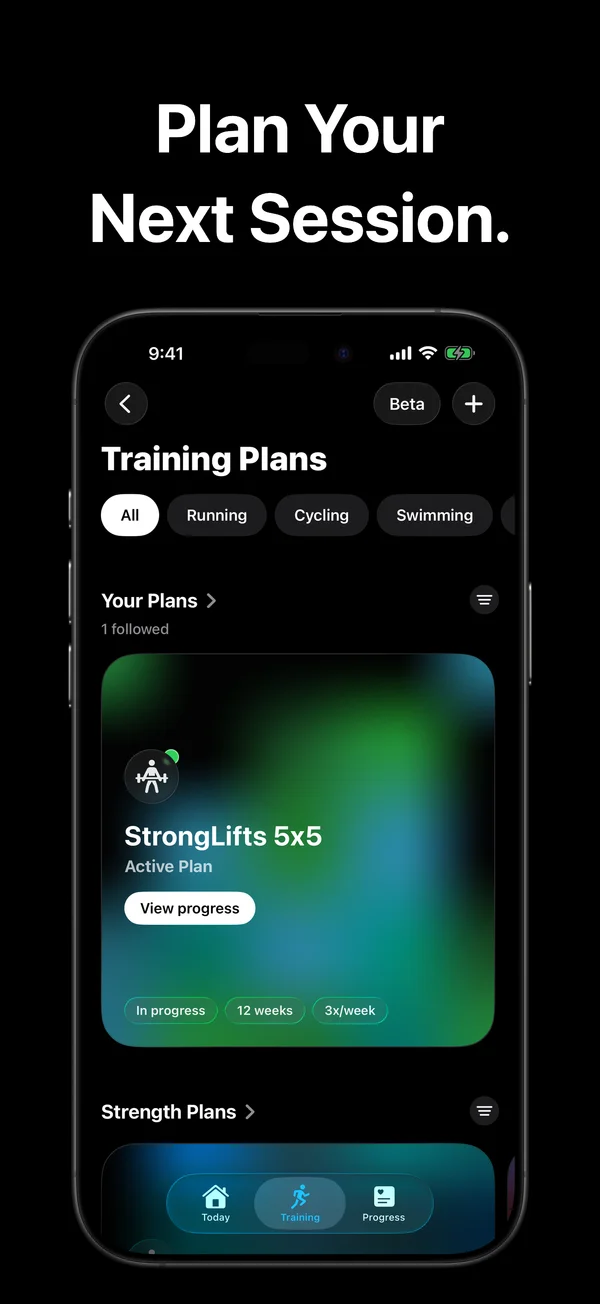
Your training plans
PNG · 1320 × 2868 · 911 KB
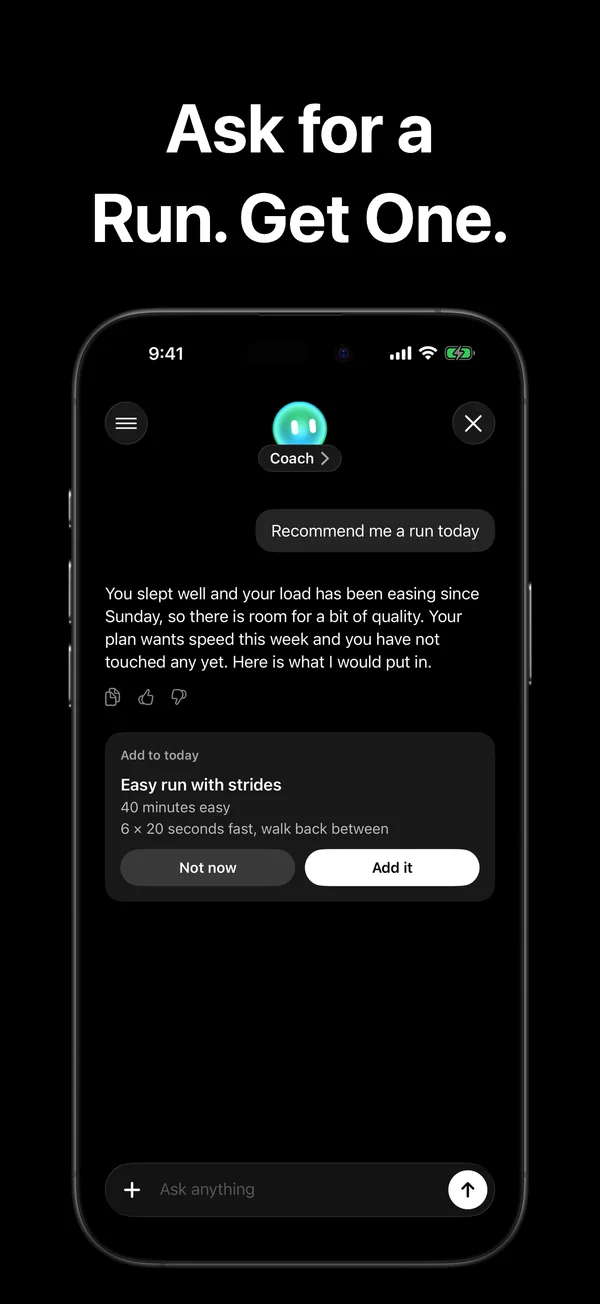
A conversation with Coach
PNG · 1320 × 2868 · 418 KB



iPhone
Original device captures from September 14, 2026.
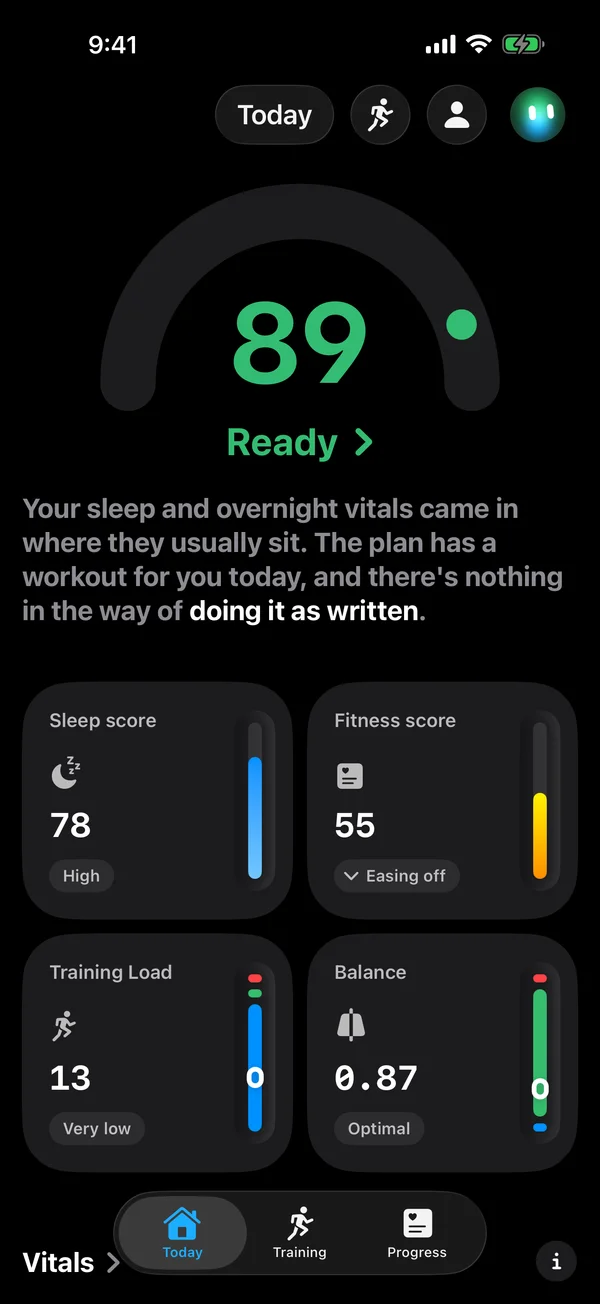
Today: Readiness, Sleep Score, Fitness, Training Load and Balance
PNG · 1320 × 2868 · 364 KB
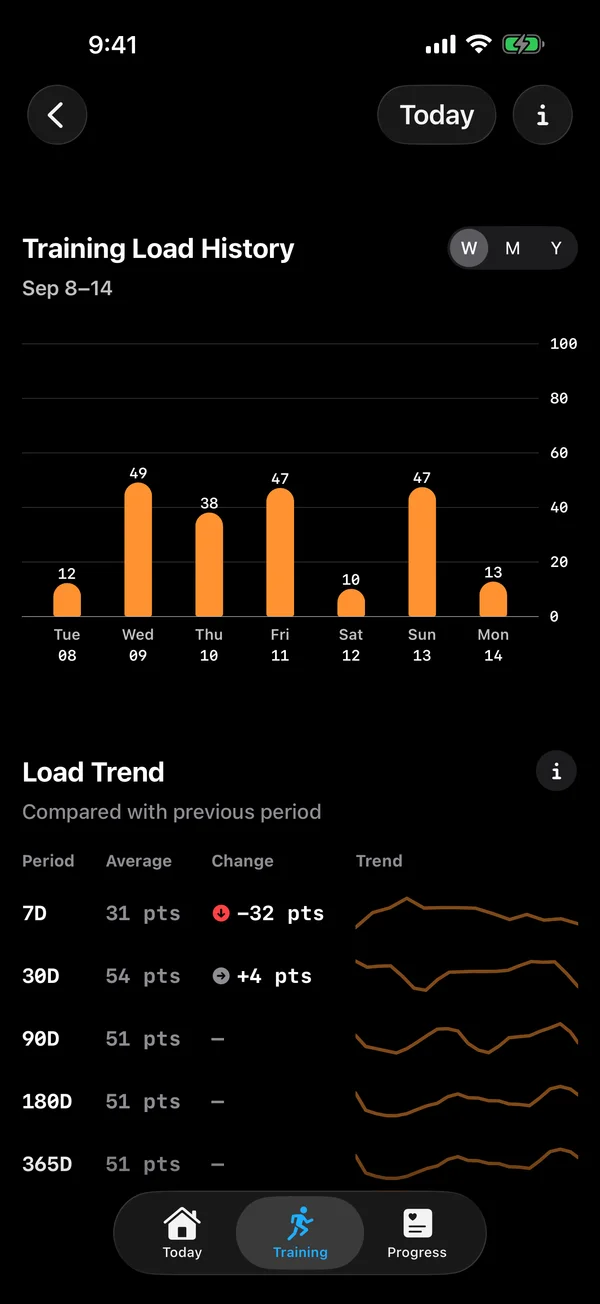
Training Load: activity and load over time
PNG · 1320 × 2868 · 271 KB
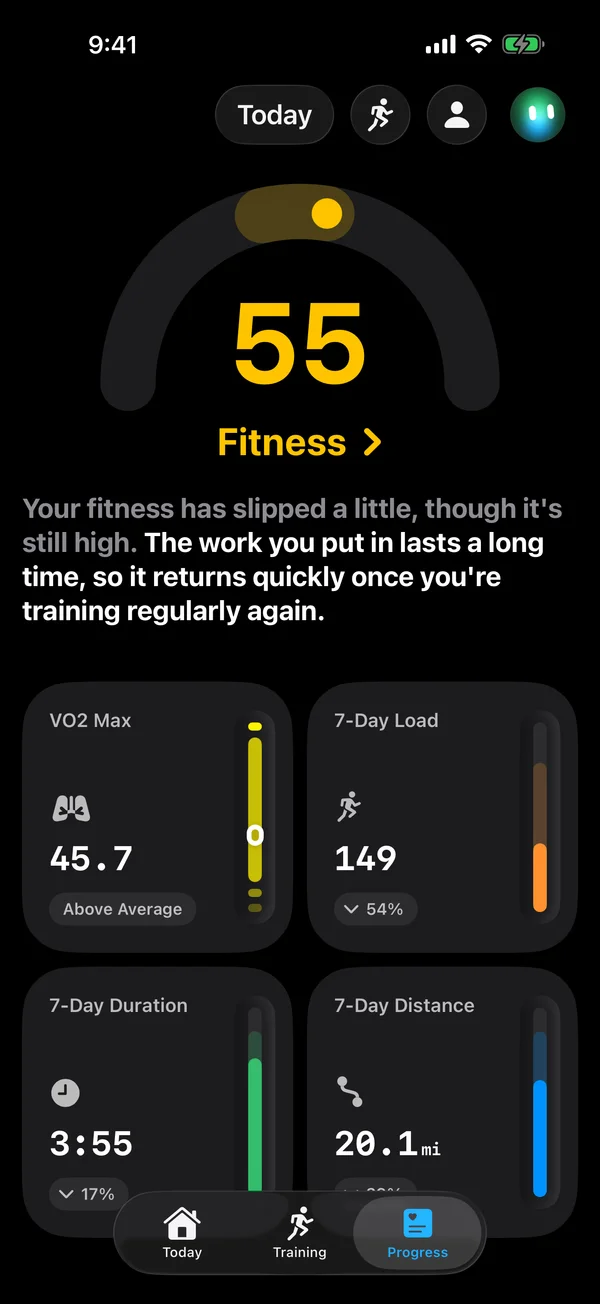
Progress: cardio fitness and training trends
PNG · 1320 × 2868 · 339 KB
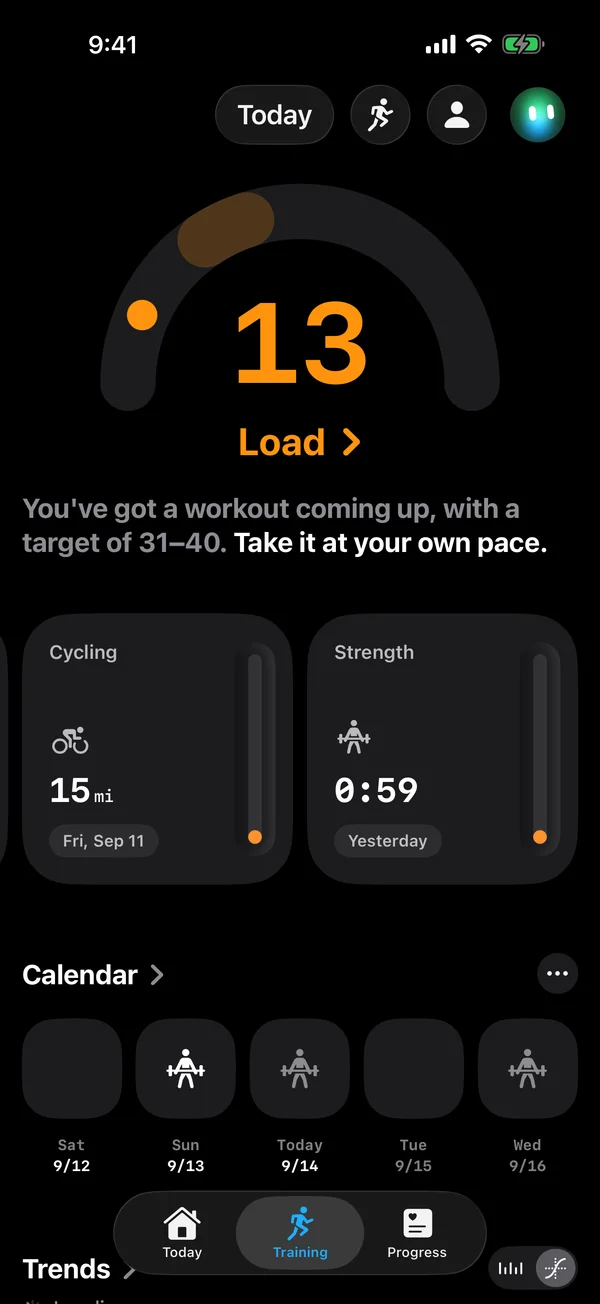
Training: load and recent workouts
PNG · 1320 × 2868 · 308 KB
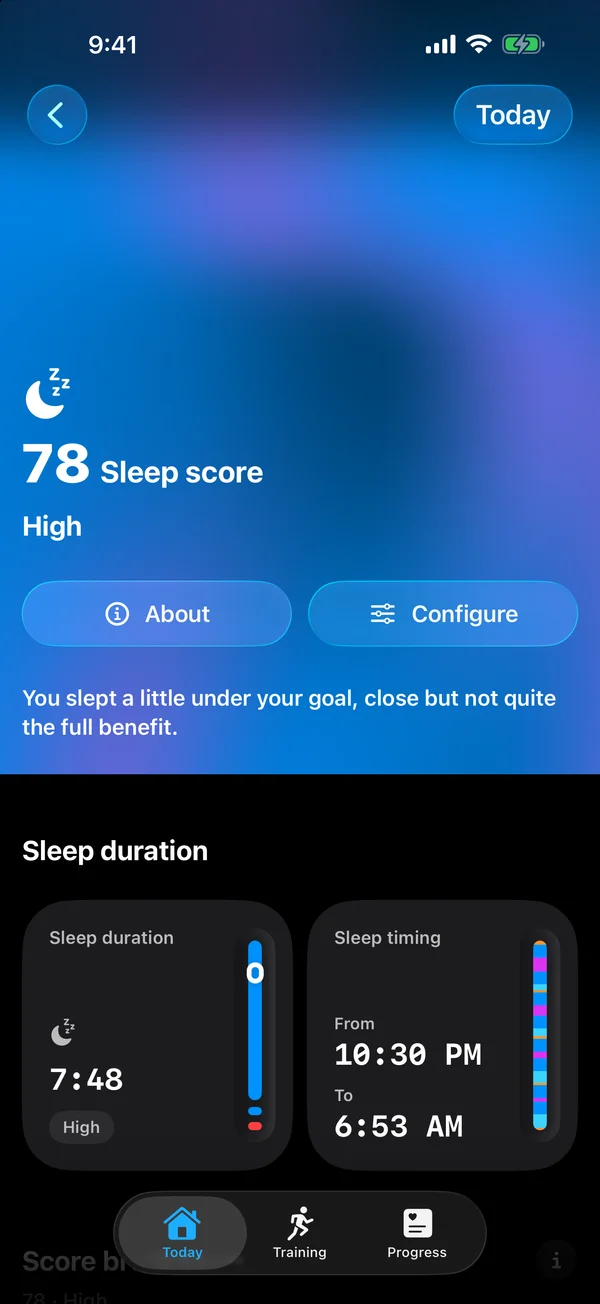
Sleep: score, duration and timing
PNG · 1320 × 2868 · 2.2 MB
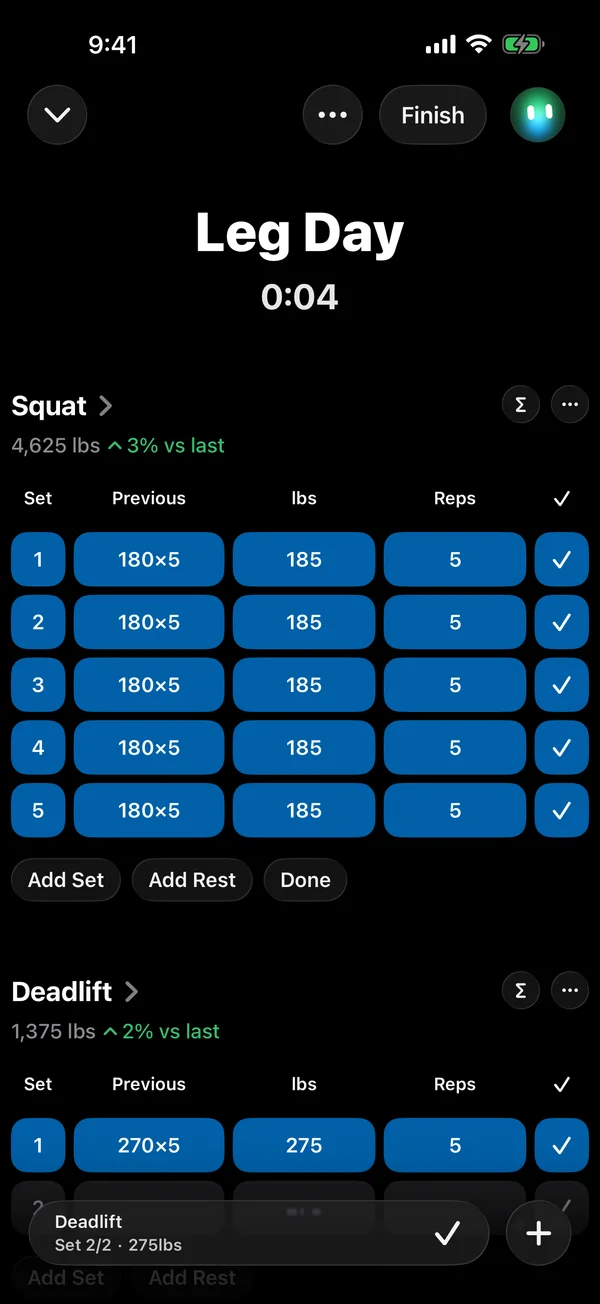
A strength workout in progress
PNG · 1320 × 2868 · 327 KB
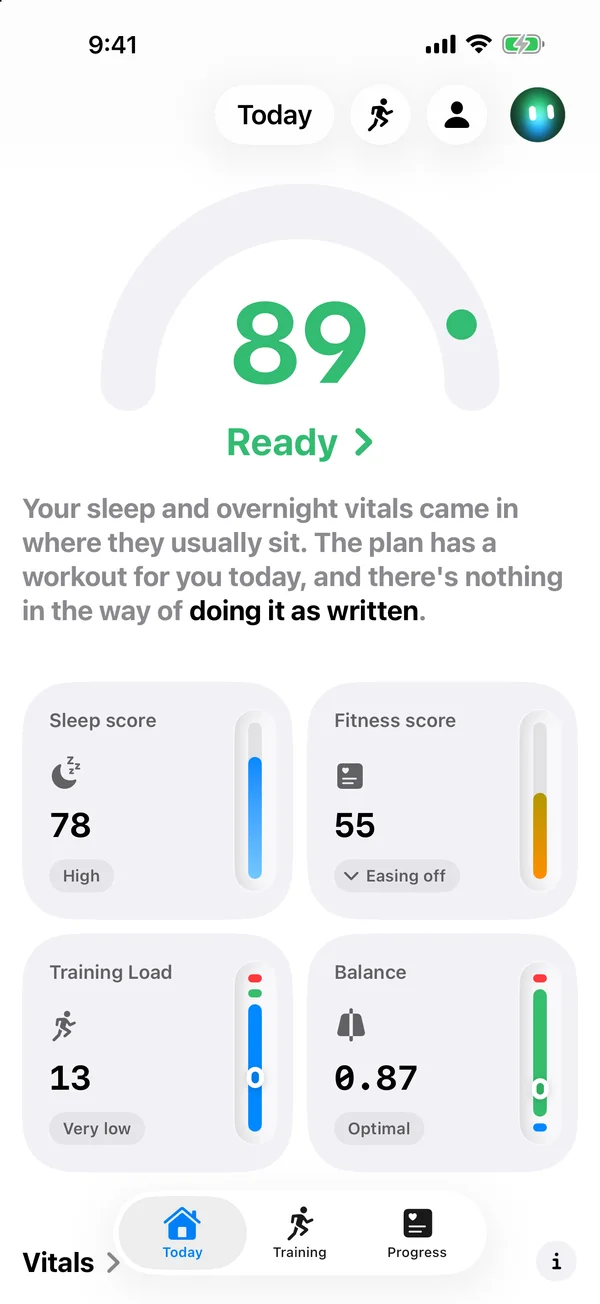
Today in light mode
PNG · 1320 × 2868 · 385 KB
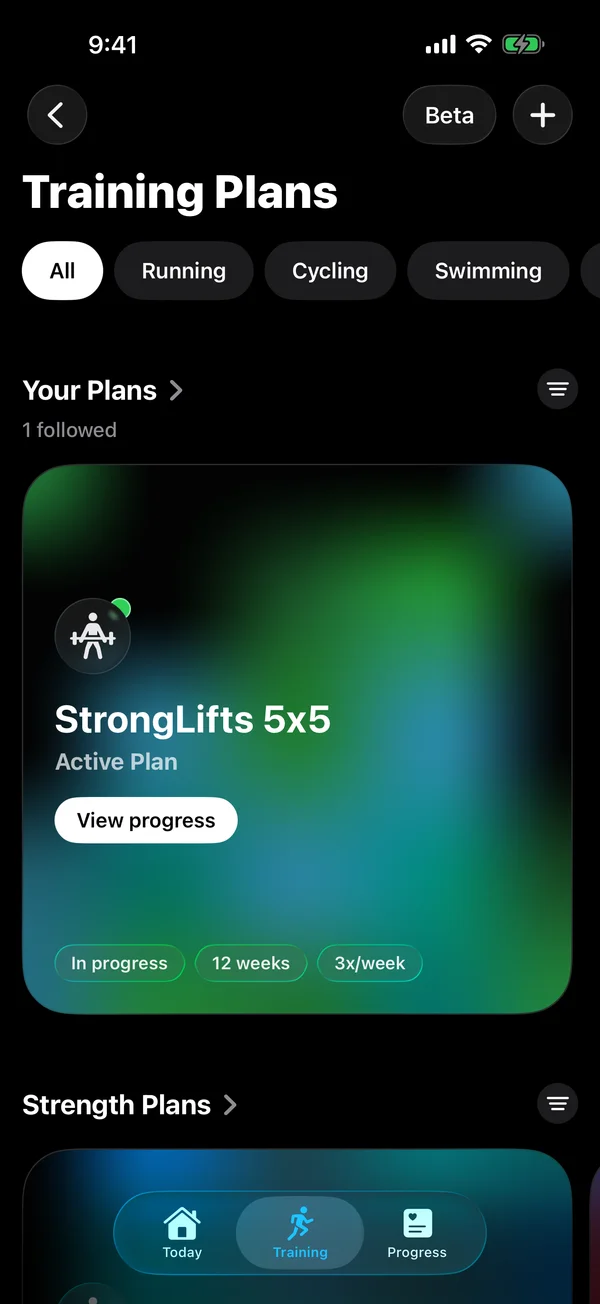
Your training plans
PNG · 1320 × 2868 · 1.7 MB
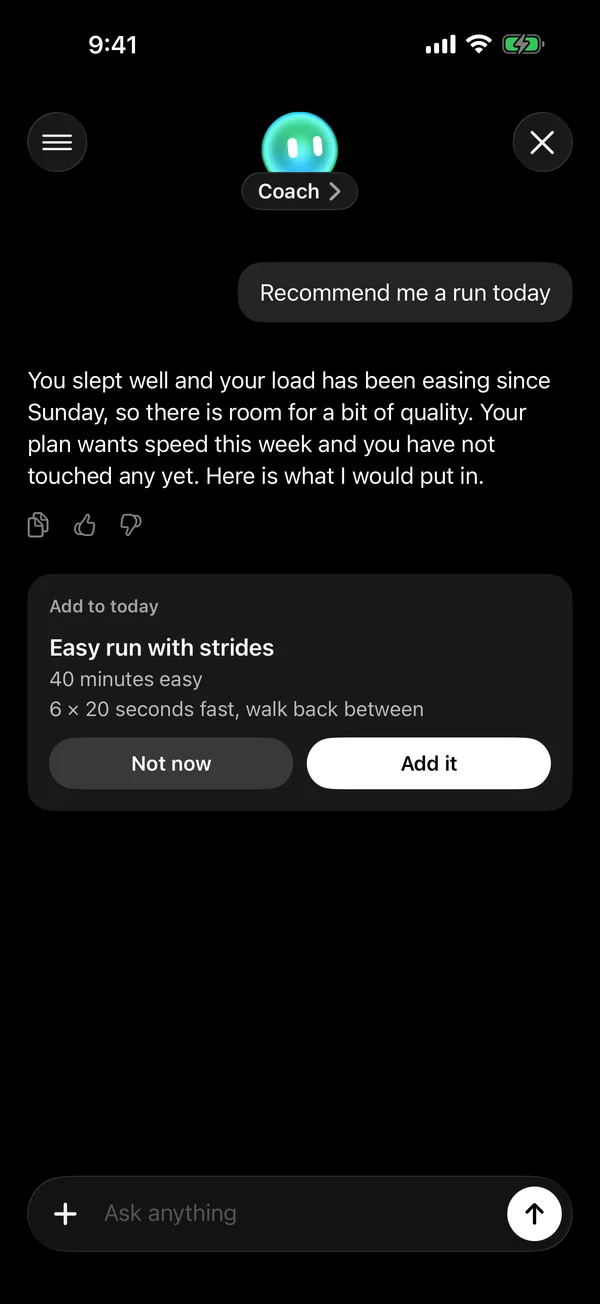
A conversation with Coach
PNG · 1320 × 2868 · 258 KB


Apple Watch
Original device captures from September 14, 2026.



The app in short
- What it is
- Incredible reads what Apple Health already holds and turns it into readiness, fitness, training load and training plans, in plain language. It goes deepest with an Apple Watch.
- Price
- Free. No account, no subscription, no ads. A tip jar is the only money in the app.
- Platforms
- iPhone and Apple Watch. Requires iOS 18 or newer and watchOS 11 or newer.
- Languages
- 36
- App Store
- apps.apple.com
Notes on the files
- The screenshots were captured on September 14, 2026 and show the app as it appears in version 1.3.
- Keep them as PNG. Interface text smears under JPEG. For a blog post, 1600 pixels on the long edge is plenty.
- The iPhone and Watch screenshots are unframed originals at their captured size. The release graphics include captions.
- Apple device images belong to Apple and follow their marketing guidelines. Use them as they are, without cropping or tilting the device.
Anything else, write to hello@incredible-app.com.